debug_hit_points 1.0.0%2B2
SDKflutter
Platformandroidioswindowslinuxmacosweb
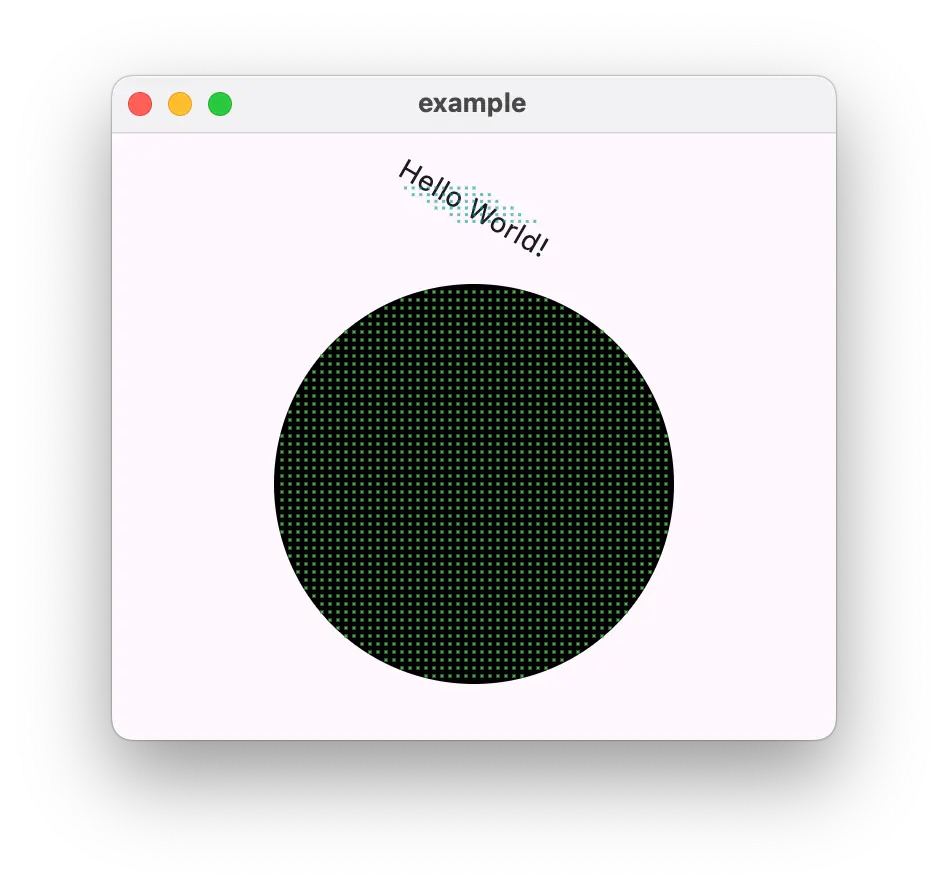
Renders a dot matrix on top of your Widget, displaying exactly where hit tests succeed
Ever wondered why your custom slider doesn't register all taps? Or maybe it seems you can tap everywhere, even though your button should be much smaller?
package:debug_hit_points renders a dot matrix on top of your Widget, displaying exactly where hit tests succeed.
Features
- Can be wrapped around any Box widget
- Per default disabled in non-debug builds
- Point grid resolution, color and point size can be customized
- Try different
HitTestBehaviormodes
Getting started
In your pubspec.yaml add:
dependencies:
  debug_hit_points: ^1.0.0
or run
flutter pub add debug_hit_points
Usage
Import the package
import 'package:debug_hit_points/debug_hit_points.dart';
And wrap your widget with DebugHitPoints
Scaffold(
  body: DebugHitPoints(
    color: Colors.red,
    resolution: 10,
    child: FlutterLogo(),
  ),
)
Additional information
If you run into any issues or have some suggestions, please open an issue on GitHub.