flutter_custom_utility 1.0.1
SDKflutter
Platformandroidios
This package includes Common Utility function, Validation, Regex, and Date and Time utilities.
Flutter Custom Utility
This package includes Common Utility functions (such as launching URLs, app URL launches, hex-to-color conversion, downloading files with caching functionality, displaying toasts, and opening files), along with modules for Validation, Regex, and Date and Time utilities
Features
A versatile Flutter package offering essential utility functions for common tasks. Simplify your development process with features including:
- Common Utility: Streamline your code with a set of general-purpose utility functions.
- Validation: Validate user inputs effortlessly with pre-built validation methods.
- Regex: Harness the power of regular expressions for pattern matching and data extraction.
- Date and Time Util: Easily handle date and time operations for a seamless user experience.
Flutter Compatibility
| Package version | Flutter version |
|---|---|
| 0.0.1 - 1.0.1 | 3.16.0 - 3.22.3 |
ScreenShot
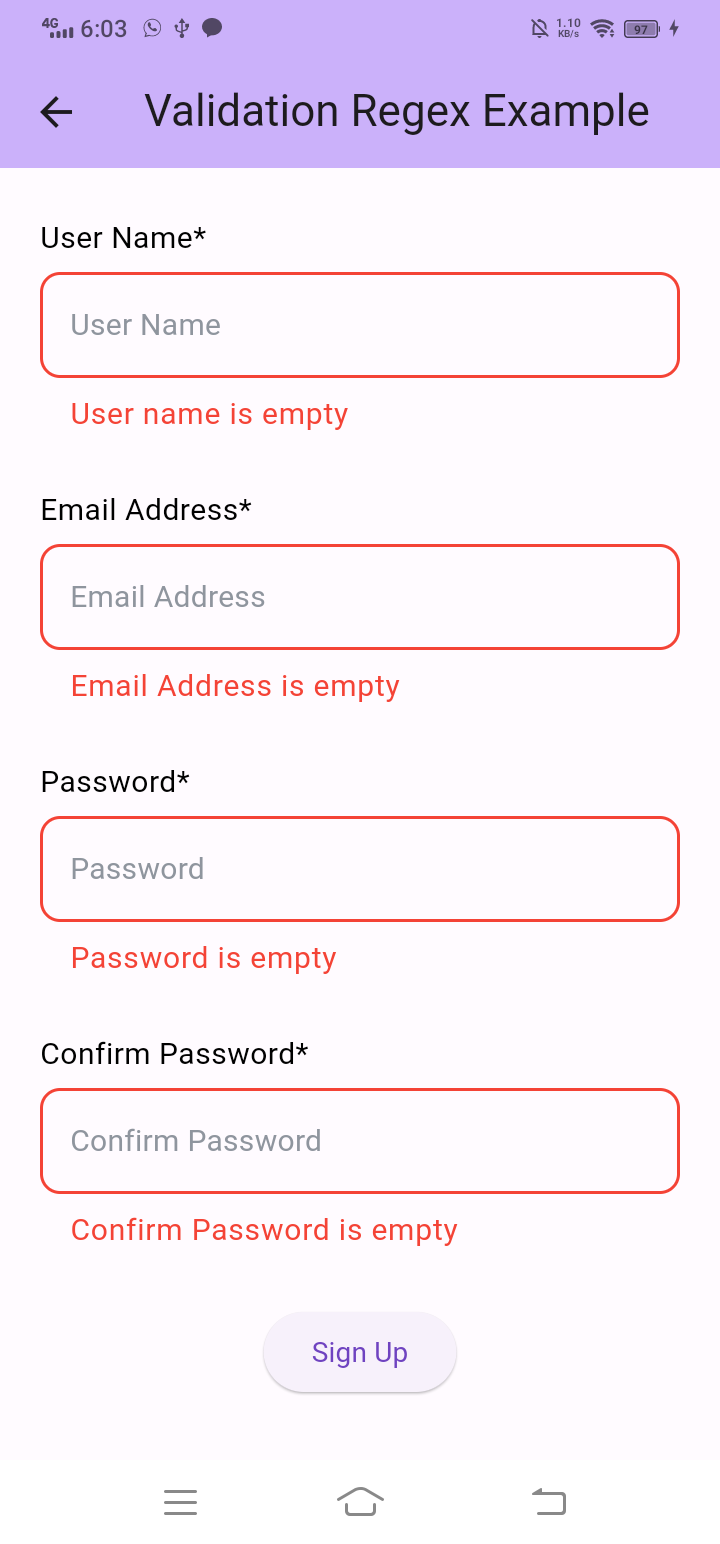
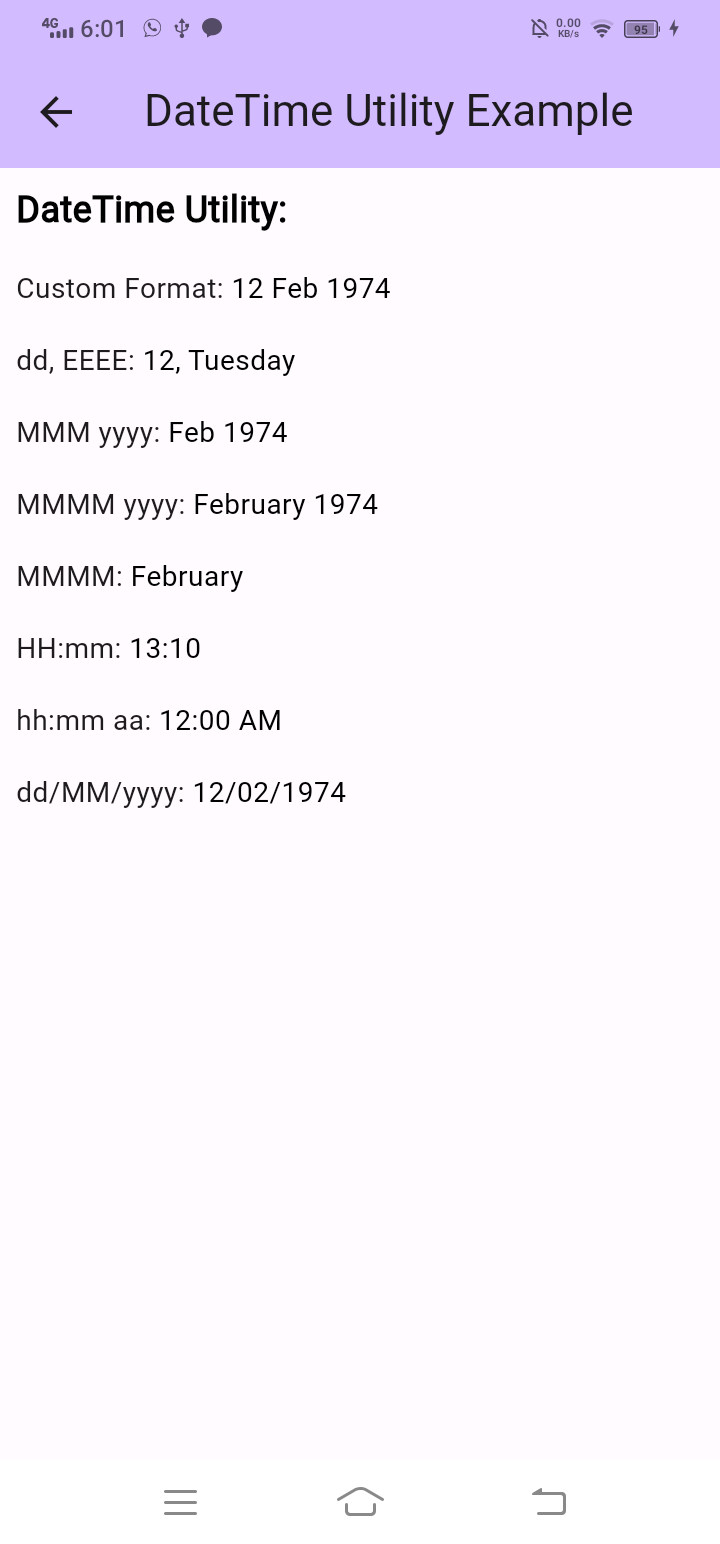
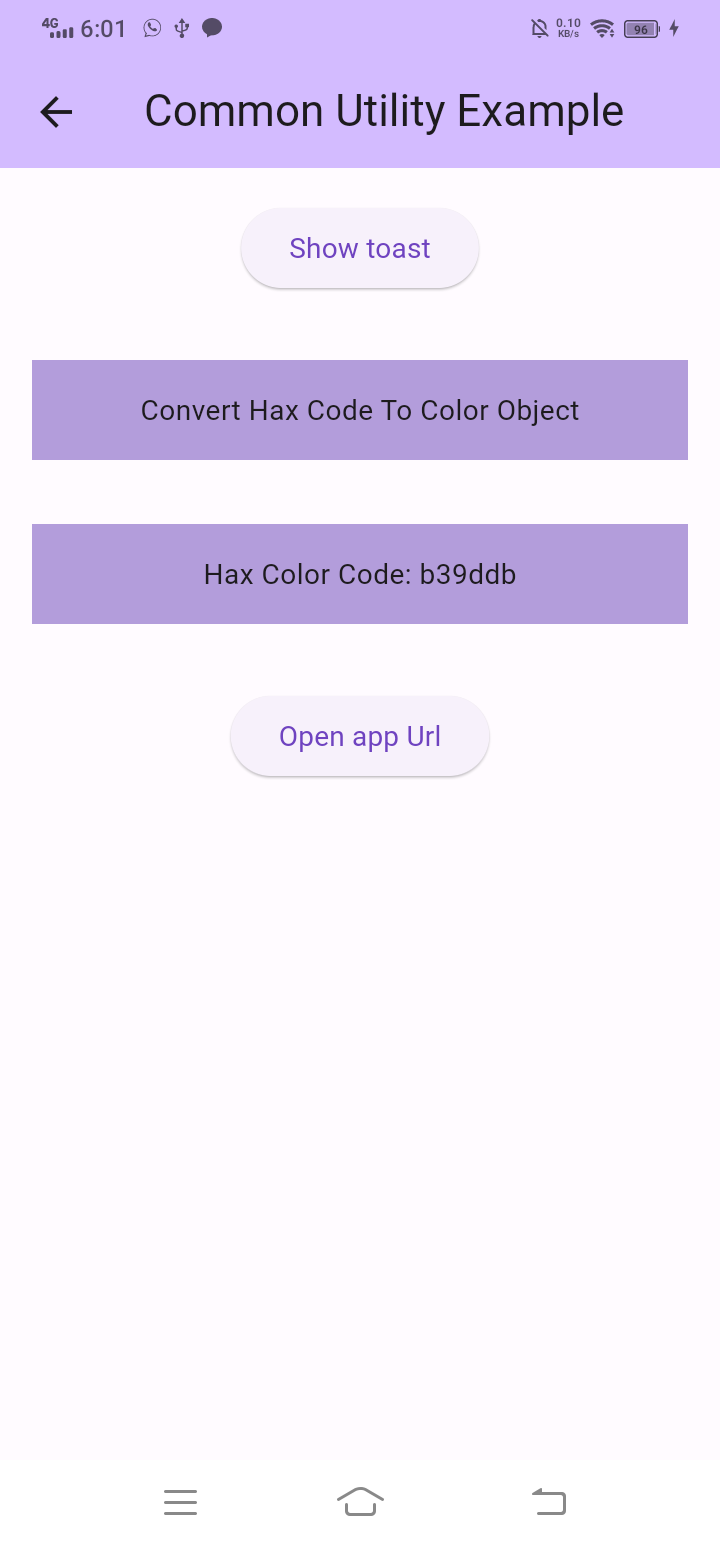
Example
Date and time util
     DateUtil.getCustomDateFormat(
        getCustomFormat: "dd MMM yyyy",
        apiDateFormat: "yyyy-MM-dd'T'hh:mm:ssZ",
        localLang: "en",
        parseDateFormat: "1974-02-12T00:00:00.00+4"
     )
Validation
     ValidationUtils.validateName(
        name: value!,
        emptyErrorMsg: "User name is empty",
        textLengthErrorMsg:
            "User should be More than 3 word",
        textLength: 3
     )
Regex
      bool isCustomRegexFormat(String value, String regexString) =>
         RegExp(regexString).hasMatch(value);
Common Utility
      const nativeUrl =
                   "instagram:instagram://user?username=severinas_app";
      const webUrl = "https://www.instagram.com/car/";
      await Utilities.launchAppOrWeb(
          androidUrl: nativeUrl,
          androidWebUrl: webUrl,
          iOSUrl: nativeUrl,
          iOSWebUrl: webUrl,
          useExternalApplication: true
      );
Installation
To use this flutter_custom_utility component in your project, follow these steps:
-
This will add a line like this to your package's pubspec.yaml (and run an implicit dart pub get):
dependencies: flutter_custom_utility: ^0.0.10 -
Import it:
import 'package:flutter_custom_utility/flutter_custom_utility.dart';