flutter_painting_tools 1.3.0
A simple flutter library that allows the user to paint on the screen.
Flutter Painting Tools
A simple flutter library that allows the user to paint on the screen.

Getting started
Painting Board
For a basic usage you can just show a simple board on the screen where the user can paint, by displaying a PaintingBoard in your code.
For example:
Center(
    child: PaintingBoard(
        boardHeight: 500,
        boardWidth: 300,
    ),
)
Which will produce an output like this:
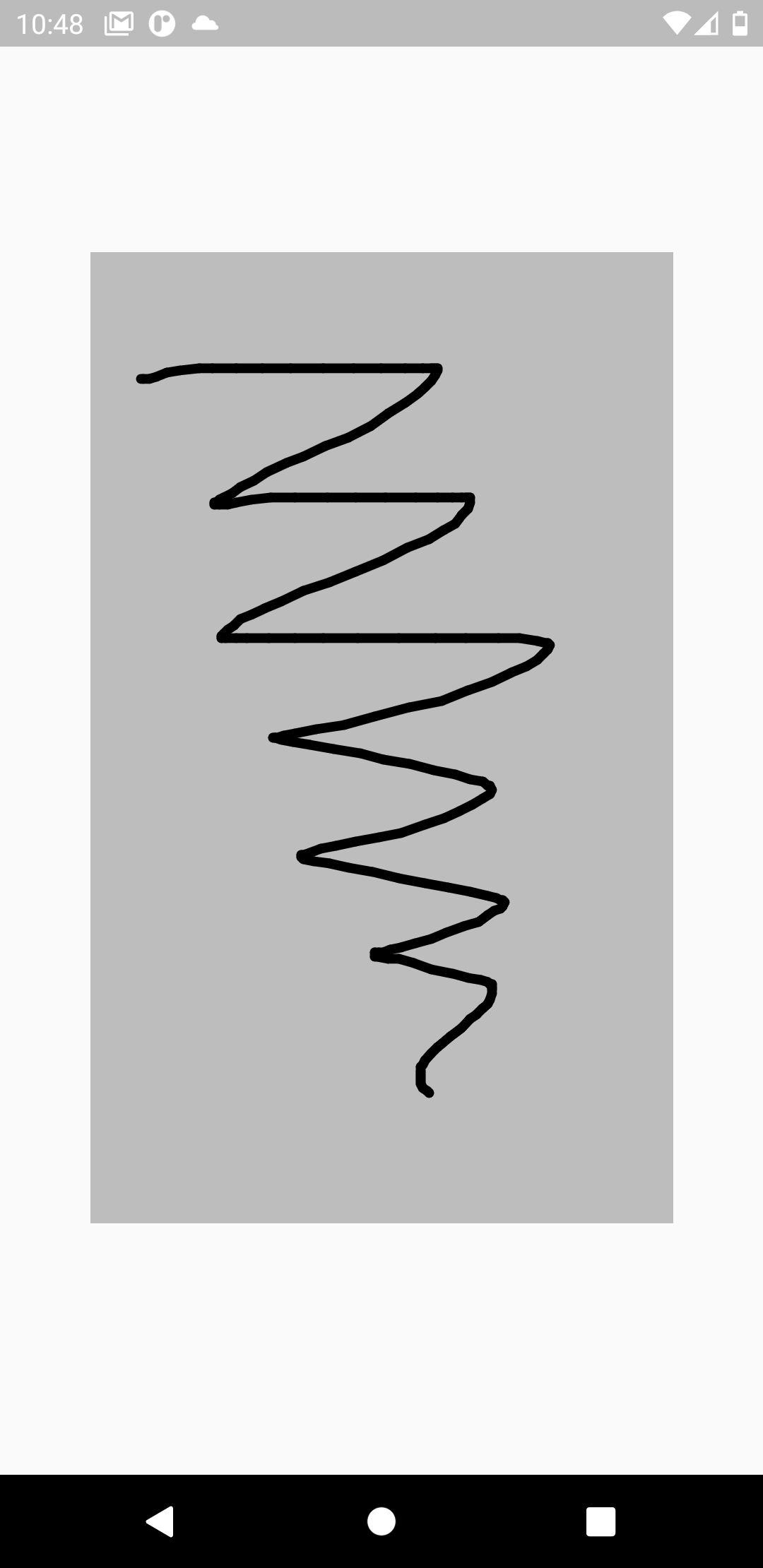
You can customize your PaintingBoard how much do you want by changing its parameters
| Parameter | Type | Meaning | Default Value |
|---|---|---|---|
boardHeight | double | The height of the PaintingBoard | double.infinity |
boardWidth | double | The width of the PaintingBoard | double.infinity |
boardbackgroundColor | Color? | The background color of the PaintingBoard | Colors.grey |
boardDecoration | BoxDecoration? | The decoration of the PaintingBoard | null |
controller | PaintingBoardController? | The controller used to manage advanced task of the PaintingBoard (explained further) | null |
Painting Board Controller
Setting up the controller
If you want do perform advanced task, such as paint with different colors, delete the painting, ecc. you need to set up a PaintingBoardController.
Follow these steps to do it properly:
-
Declare the
PaintingBoardControllerinside the state of yourStatefulWidgetlate final PaintingBoardController controller; -
Allocate the
PaintingBoardControllerinside theinitState()method of yourStatefulWidget@override void initState() { controller = PaintingBoardController(); super.initState(); } -
Remember to dispose the
PaintingBoardControllerinside thedispose()method of yourStatefulWidget@override void dispose() { controller.dispose(); super.dispose(); } -
Pass the
PaintingBoardControllerto thecontrollerproperty of thePaintingBoardPaintingBoard( controller: controller, )
Paint with multiple colors
The default color of the "brush" used to paint inside the board is Colors.black. If you want to paint with different colors you can use the changeBrushColor() method of the PaintingBoardController and pass to it the color you want.
Suppose for example you want to change the color of the "brush" when a button is tapped. You may do something like this:
ElevatedButton(
    onPressed: () {
        controller.changeBrushColor(Colors.blue);
    }
)
Delete the painting
If you want to delete everything inside your PaintingBoard you can simply call the deletePainting() method of the PaintingBoardController.
Example:
IconButton(
    onPressed: () => controller.deletePainting(),
    icon: const Icon(Icons.delete),
)
Delete last line painted
It is very simple to delete the last line painted. You just need to call the deleteLastLine() method of the PaintingBoardController.
Example:
IconButton(
    onPressed: () => controller.deleteLastLine(),
    icon: const Icon(Icons.delete),
)
Painting Color Bar
If you want to use a simple default bar to select the color, you can use the PaintingColorBar widget.
You can play with different properties to style this widget how much do you want:
| Property | Type | Meaning | Default Value |
|---|---|---|---|
| itemSize | double | The size of each color item | 40 |
| backGroundColor | Color | The color of the background of the PaintingColorBar | Colors.black12 |
| itemMargin | EdgeInsets | The margin applied at every item | const EdgeInsets.symmetric(horizontal: 10, vertical: 5) |
| colorsType | ColorsType | The types of colors to use Note that if this property is set to ColorsType.custom, customColors must be provided | ColorsType.material |
| customColors | List<Color>? | The colors displayed in the PaintingColorBar Note that if colorsType is not set to ColorsType.custom, this property is useless | null |
| itemShape | ItemShape | The ItemShape applied to each item | ItemShape.circle |
| onTap | Function(Color)? | The callback that is called every time an item color is tapped It takes the color tapped as an argument | null |
| itemBoxShadow | List<BoxShadow>? | The BoxShadow applied to each item | null |
| unselectedItemBorder | BoxBorder? | The BoxBorder applied to each item that is unselected | null |
| selectedItemBorder | BoxBorder? | The BoxBorder applied to the item that is selected | const Border.fromBorderSide( BorderSide(width: 2, color: Colors.black38, ), ) |
| paintingColorBarMargin | EdgeInsets? | The margin of the entire PaintingColorBar | null |
| scrollPhysics | ScrollPhysics | The ScrollPhysics applied to the list of items | const BouncingScrollPhysics() |
| reverseColorList | bool | This property, if set to true, allows to display the colors reversed | false |
| controller | PaintingBoardController | The PaintingBoardController used to manage the PaintingBoard and the PaintingColorBar | no default value, is required |
| paintingColorBarBorderRadius | BorderRadius? | The BorderRadius applied to the PaintingColorBar | null |
| useIntelligentBorderRadius | bool | This property, if set to true, automatically calculates the BorderRadius based on the item size | true |