flutter_signature_view 2.0.0
SDKflutter
Platformandroidioswindowslinuxmacosweb
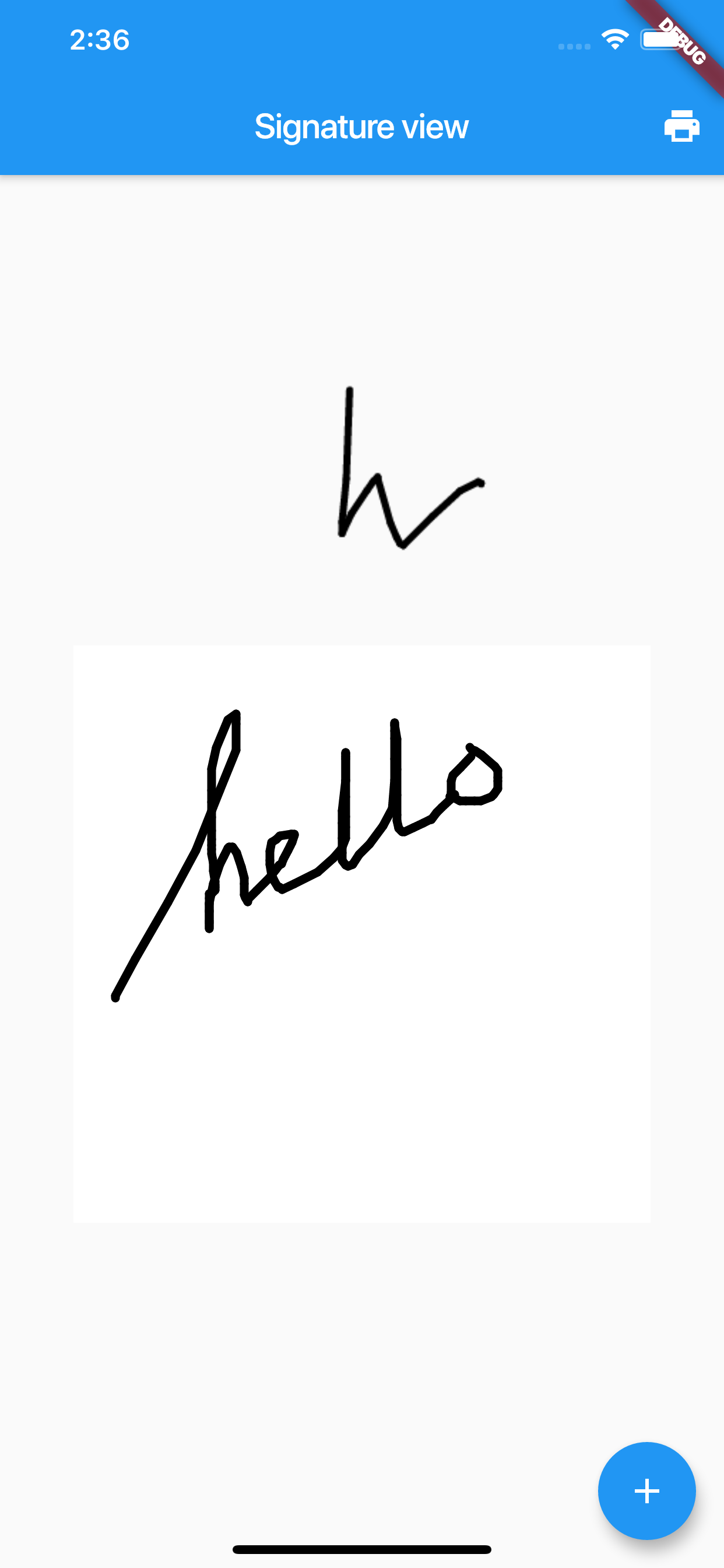
The signature plugin serve place to paint your signature and export it to many differences type to store.
Signature Widget library
Signature widget library

Installing
You should add the following to your pubspec.yaml file:
dependencies:
   flutter_signature_view: ^1.1.1
Note: If you're using the Flutter master channel, if you encounter build issues, or want to try the latest and greatest then you should use the master branch and not a specific release version. To do so, use the following configuration in your pubspec.yaml:
dependencies:
  flutter_signature_view:
    git:
      url: git://github.com:kzjn10/Flutter_SignatureWidget.git
After adding the dependency to your pubspec.yaml you can run: flutter packages get or update your packages using your IDE.
Usage
Simple init SignatureView
SignatureView _signatureView = SignatureView();
Init with optional params
   SignatureView _signatureView = SignatureView(
      backgroundColor: Colors.yellow,
      penStyle: Paint()
        ..color = Colors.blue
      ..strokeCap = StrokeCap.round
      ..strokeWidth = 5.0,
      onSigned: (data) {
        print("On change $data");
      },
    );
Params
backgroundColor- Color. Canvas background colordata- String. Init your signature view with default data (it will generate after your signed from callback functiononSignedpenStyle- Paint. Custom your Paint styleonSigned- Function(String). Response list offset as String value. You can use it fordatato render default signature view
Access data
- Get list offset as string value
_signatureView.exportListOffsetToString() - Get data as
Bytes_signatureView.exportBytes()->asyncfunction - Get base64 String
_signatureView.exportBase64Image()->asyncfunction - Check empty
_signatureView.isEmpty - Clear current signature
_signatureView.clear()
References