lecle_yoyo_player 0.0.5%2B2
Lecle YoYo Video Player is a HLS(.m3u8) video player for flutter. The YoyoPlayer is a video player that allows you to select HLS video streaming by selecting the quality.

YoYo Video Player
Lecle YoYo Video Player is a HLS(.m3u8) video player for flutter (migrate from yoyo_player package). The lecle_yoyo_player is a video player that allows you to select HLS video streaming by selecting the quality. Lecle YoYo Player wraps video_player under the hood and provides base architecture for developers to create their own set of UI and functionalities.
The package has been updated with more customizable properties and fixed the report issues from the old package.

Features
- You can select multiple quality and open
- On video tap play/pause, mute/unmute, or perform any action on video.
- Auto hide controls.
- (.m3u8) HLS Video streaming support
Install & Set up
Android
Add this permission to your <project root>/android/app/src/main/AndroidManifest.xml
<uses-permission android:name="android.permission.INTERNET"/>
iOS
If you need to access videos using http (rather than https) URLs, you have to add the appropriate NSAppTransportSecurity permissions
to your app's <project root>/ios/Runner/Info.plist file.
Open Xcode and change the deployment target of your project to 11.
Project
- Add dependency, open the root directory
pubspec.yamlfile independencies:. Add the following code below:
lecle_yoyo_player: #latest_version
- Installation dependencies (please ignore if it has been installed automatically)
 cd project_directory
 flutter pub get
- Introduce the library in the page
import 'package:lecle_yoyo_player/lecle_yoyo_player.dart';
Usage
A simple usage example:
  YoYoPlayer(
    aspectRatio: 16 / 9,
    url: "video_url",
    videoStyle: VideoStyle(),
    videoLoadingStyle: VideoLoadingStyle(),
  ),
Change Icon
 videoStyle: VideoStyle(
    playIcon: Icon(Icons.play_arrow),
    pauseIcon: Icon(Icons.pause),
    fullscreenIcon: Icon(Icons.fullscreen),
    forwardIcon: Icon(Icons.skip_next),
    backwardIcon: Icon(Icons.skip_previous),
 )
Change Video Loading
videoLoadingStyle: VideoLoadingStyle(loading : Center(child: Text("Loading video")),
Play With Subtitle
        body: YoYoPlayer(
          aspectRatio: 16 / 9,
          // Url (Video streaming links)
          // 'https://dsqqu7oxq6o1v.cloudfront.net/preview-9650dW8x3YLoZ8.webm',
          // "https://flutter.github.io/assets-for-api-docs/assets/videos/bee.mp4",
          // "https://test-streams.mux.dev/x36xhzz/x36xhzz.m3u8",
          url:  "https://sfux-ext.sfux.info/hls/chapter/105/1588724110/1588724110.m3u8",
          videoStyle: VideoStyle(
            qualityStyle: TextStyle(
              fontSize: 16.0,
              fontWeight: FontWeight.w500,
              color: Colors.white,
            ),
            forwardAndBackwardBtSize: 30.0,
            playButtonIconSize: 40.0,
            playIcon: Icon(
              Icons.add_circle_outline_outlined,
              size: 40.0, color: Colors.white,
            ),
            pauseIcon: Icon(
              Icons.remove_circle_outline_outlined,
              size: 40.0, color: Colors.white,
            ),
            videoQualityPadding: EdgeInsets.all(5.0),
          ),
          videoLoadingStyle: VideoLoadingStyle(
            loading: Center(
              child: Text("Loading video"),
            ),
          ),
          allowCacheFile: true,
          onCacheFileCompleted: (files) {
            print('Cached file length ::: ${files?.length}');

            if (files != null && files.isNotEmpty) {
              for (var file in files) {
                print('File path ::: ${file.path}');
              }
            }
          },
          onCacheFileFailed: (error) {
            print('Cache file error ::: $error');
          },
          onFullScreen: (value) {
            setState(() {
              if (fullscreen != value) {
                fullscreen = value;
              }
            });
          }
        ),
Live video
videoStyle: VideoStyle(
  showLiveDirectButton: true,
)
Player Option
Player
| Attributes | Type | Description |
|---|---|---|
| url | String | Video source ( .m3u8 & File only) |
| videoStyle | VideoStyle | Video player style |
| videoLoadingStyle | VideoLoadingStyle | Video loading Style |
| aspectRatio | double | Video AspectRaitio [aspectRatio : 16 / 9 ] |
| onFullScreen | VideoCallback | Video state fullscreen |
| onPlayingVideo | VideoCallback | Video type ( eg : mkv,mp4,hls) |
| onPlayButtonTap | VideoCallback | Video playing state |
| onFastForward | VideoCallback<VideoPlayerValue?> | Video new value after forward |
| onRewind | VideoCallback<VideoPlayerValue?> | Video new value after rewind |
| onShowMenu | VideoCallback<bool, bool> | Video control buttons state and video quality picker state |
| onVideoInitCompleted | VideoCallback | Expose the video controller after init the video |
| headers | Map<String, String> | Additional headers for video url request |
| autoPlayVideoAfterInit | bool | Allow video auto play after init |
| displayFullScreenAfterInit | bool | Allow video display in full screen mode after init |
| onCacheFileCompleted | VideoCallback<List | Video list after caching |
| onCacheFileCompleted | VideoCallback | Video caching error |
| allowCacheFile | bool | Allow cache file into device's storage |
| closedCaptionFile | VideoCallback<ClosedCaptionFile?> | Closed caption file |
| videoPlayerOptions | VideoPlayerOptions | Provide additional configuration options |
| onLiveDirectTap | VideoCallback<VideoPlayerValue?> | Live video current value |
Player custom style (VideoStyle)
| Attributes | Type | Description |
|---|---|---|
| playIcon | Widget | Play button custom play icon |
| pauseIcon | Widget | Play button custom pause icon |
| fullscreenIcon | Widget | Full screen button custom icon |
| forwardIcon | Widget | Forward button custom icon |
| backwardIcon | Widget | Backward button custom icon |
| qualityStyle | TextStyle | Video current quality text style |
| qualityOptionStyle | TextStyle | Video's quality options style |
| videoSeekStyle | TextStyle | Video's current position text style |
| videoDurationStyle | TextStyle | Video's duration text style |
| allowScrubbing | bool | Detect touch input and try to seek the video accordingly |
| progressIndicatorColors | VideoProgressColors | Default colors used throughout the indicator |
| progressIndicatorPadding | EdgeInsetsGeometry | Visual padding around the progress indicator |
| playButtonIconColor | Color | The custom color for the play button's icon |
| playButtonIconSize | double | The custom size for the play button's icon |
| spaceBetweenBottomBarButtons | double | Space between play, forward and backward buttons |
| actionBarBgColor | Color | Custom background color for the action bar |
| actionBarPadding | EdgeInsetsGeometry | Custom padding for the action bar |
| qualityOptionsBgColor | Color | Custom background color for the quality options popup |
| qualityOptionsMargin | EdgeInsetsGeometry | Custom margin to change the display position for the quality options popup |
| qualityOptionsPadding | EdgeInsetsGeometry | Custom padding around the video quality option text |
| qualityOptionsRadius | BorderRadius | Custom border radius for the quality options popup |
| qualityButtonAndFullScrIcoSpace | double | Space between the fullscreen and the video quality buttons |
| forwardAndBackwardBtSize | double | Custom size for the forward and backward buttons |
| forwardIconColor | Color | Custom color for the forward button |
| backwardIconColor | Color | Custom color for the backward button |
| bottomBarPadding | EdgeInsetsGeometry | Padding around for the bottom bar |
| videoQualityBgColor | Color | Custom background color for the selected video quality widget |
| videoQualityRadius | BorderRadiusGeometry | Custom border radius for the selected video quality widget |
| videoQualityPadding | EdgeInsetsGeometry | Padding around for the selected video quality text |
| qualityOptionWidth | double | Width for each item inside the video options popup |
| fullScreenIconSize | double | Full screen button's icon size |
| fullScreenIconColor | Color | Custom color for the fullscreen button |
| showLiveDirectButton | bool | Enable or disable live direct button (Use for live video) |
| liveDirectButtonText | String | Custom text for live direct button |
| liveDirectButtonTextStyle | TextStyle | Custom style for the direct button text |
| liveDirectButtonColor | Color | Custom color for the circle of the live direct button |
| liveDirectButtonDisableColor | Color | Custom disable color for the circle of the live direct button |
| liveDirectButtonSize | double | Custom size for the circle of the live direct button |
| enableSystemOrientationsOverride | bool | Enable or disable system's orientation override |
| orientation | List | A set of orientations the application interface can be displayed in |
Player loading custom style (VideoLoadingStyle)
| Attributes | Type | Description |
|---|---|---|
| loading | Widget | Custom loading widget to replace the default loading widget |
| loadingBackgroundColor | Color | Custom background color for the loading widget |
| loadingIndicatorValueColor | Color | Custom color for the loading indicator |
| loadingText | String | Custom loading text of the loading widget |
| loadingTextStyle | TextStyle | Custom TextStyle for the loading text |
| loadingIndicatorBgColor | Color | The progress indicator's background color |
| loadingIndicatorColor | Color | The progress indicator's color |
| loadingIndicatorWidth | double | The width of the line used to draw the circle |
| indicatorSemanticsLabel | String | The SemanticsProperties.label for the progress indicator |
| indicatorSemanticsValue | String | The SemanticsProperties.value for the progress indicator |
| indicatorInitValue | double | The value of the progress indicator |
| spaceBetweenIndicatorAndText | double | The space between the loading text and the loading indicator |
| showLoadingText | bool | Allow the loading widget to show the loading text |
How is it created ?
- The data in the source url (m3u8) is regex checked and the child m3u8 files are created and saved according to the respective rules.
- It starts creating child m3u8 files as soon as the video starts playing
- Each time a video is completed or the main url changes, child m3u8 files are checked and deleted.
The child m3u8 files are created as follows:
-
If video quality yoyo_[file-name]_[video-quality].m3u8
-
If video quality & audio quality yoyo_[video-quality]_[audio-quality].m3u8
Support M3U8
- #EXT-X-MEDIA
- #EXT-X-STREAM-INF(not for ios)
Player Screenshot
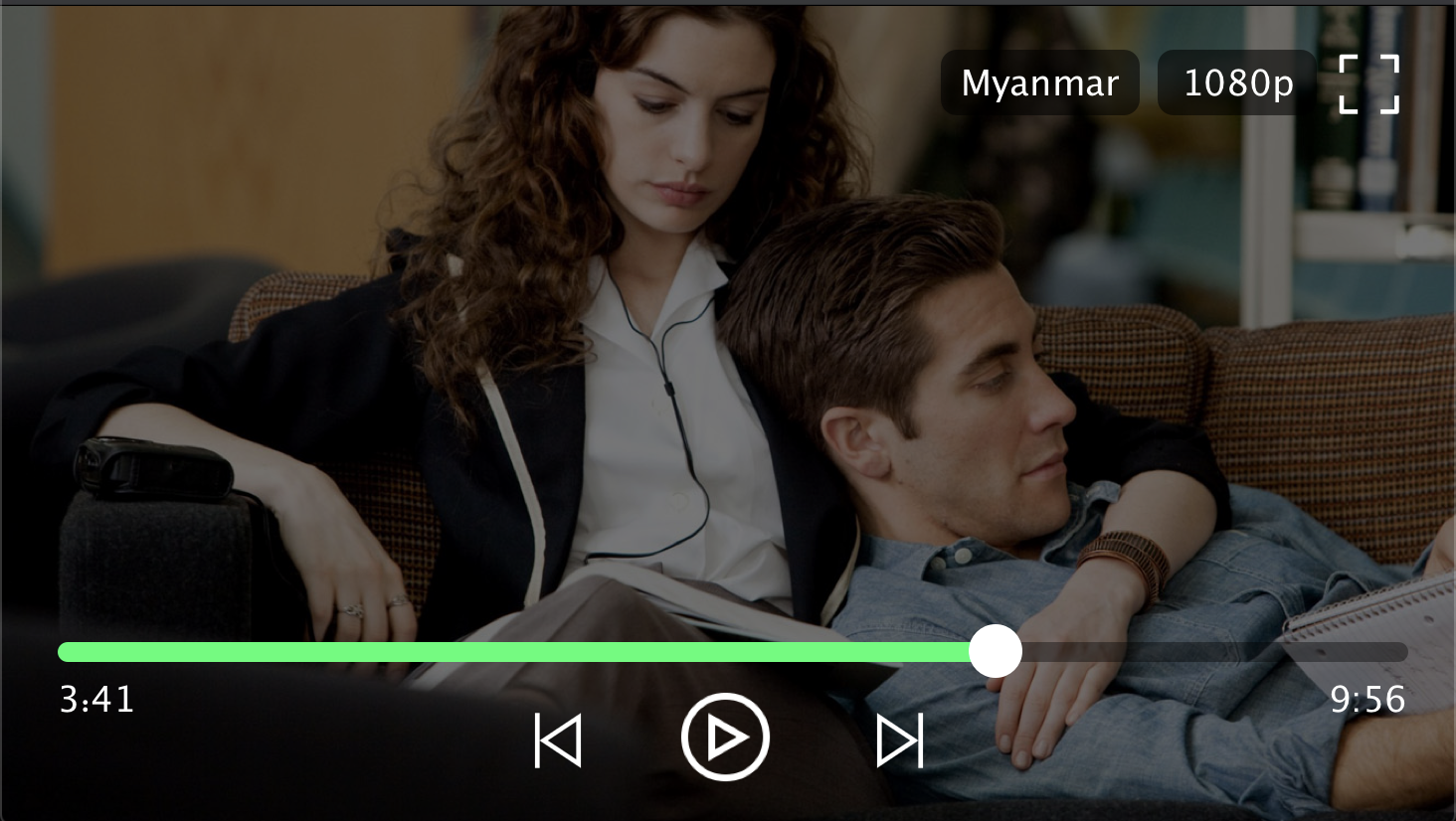 | 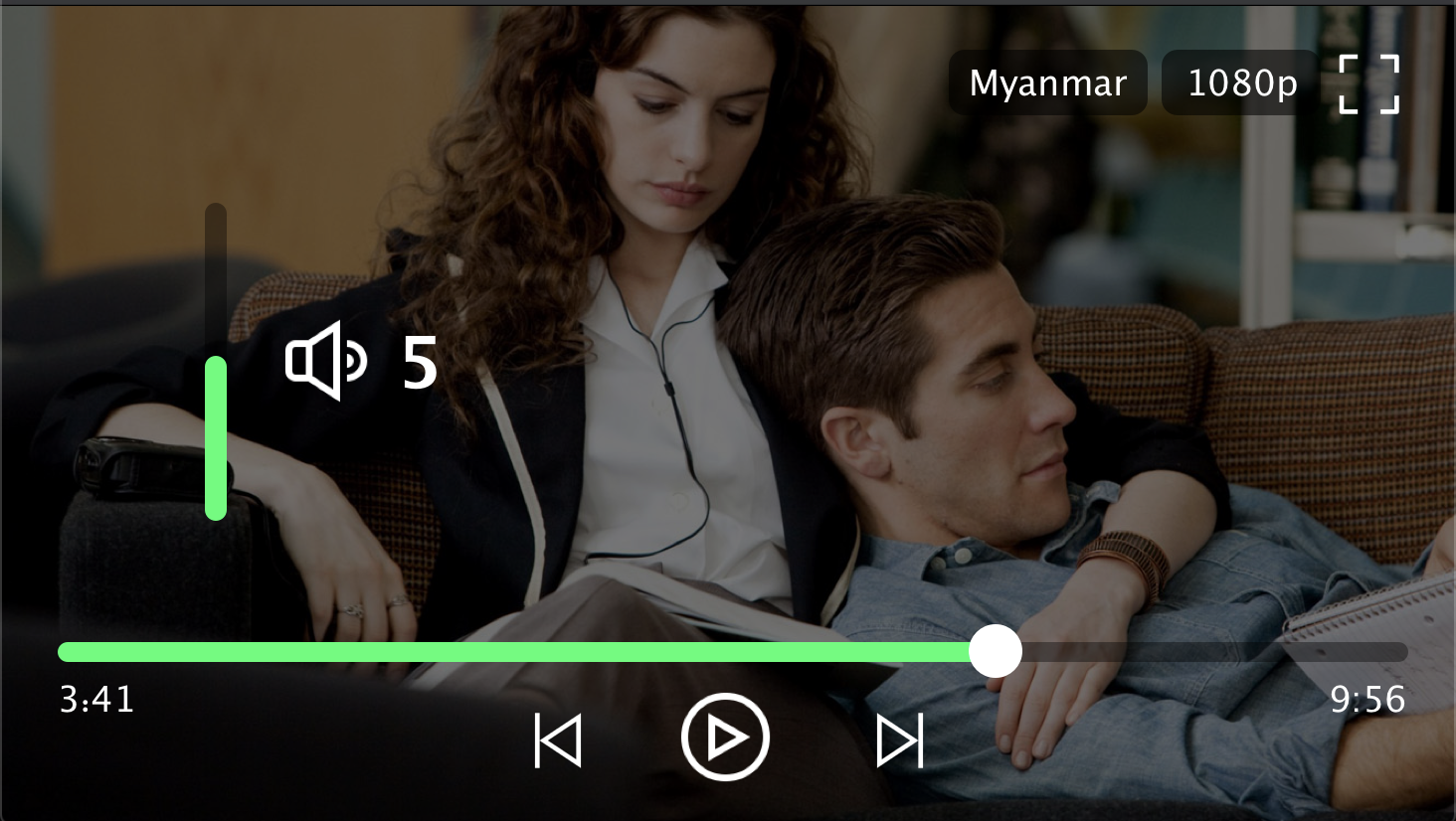 |
|---|---|
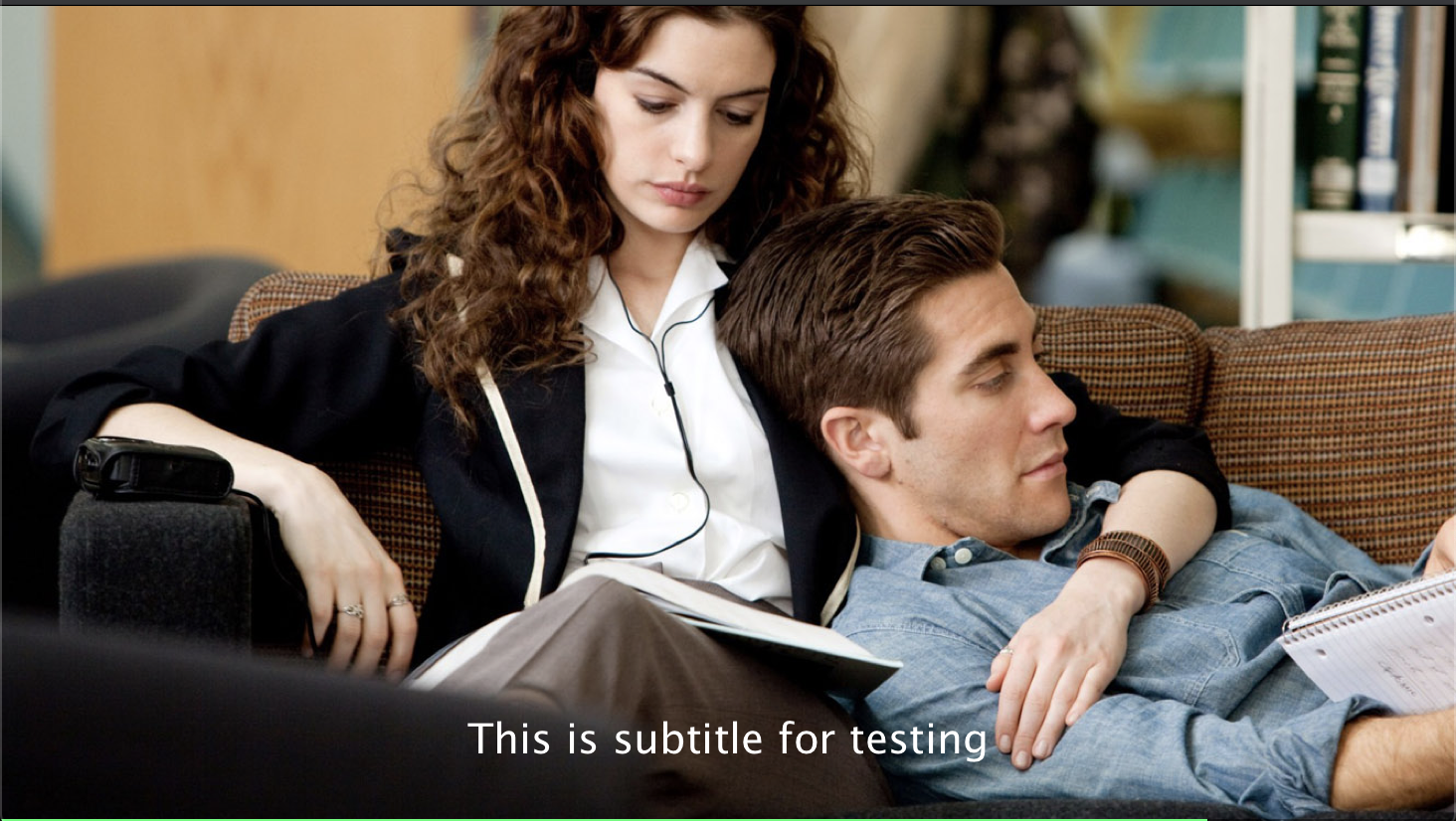 | 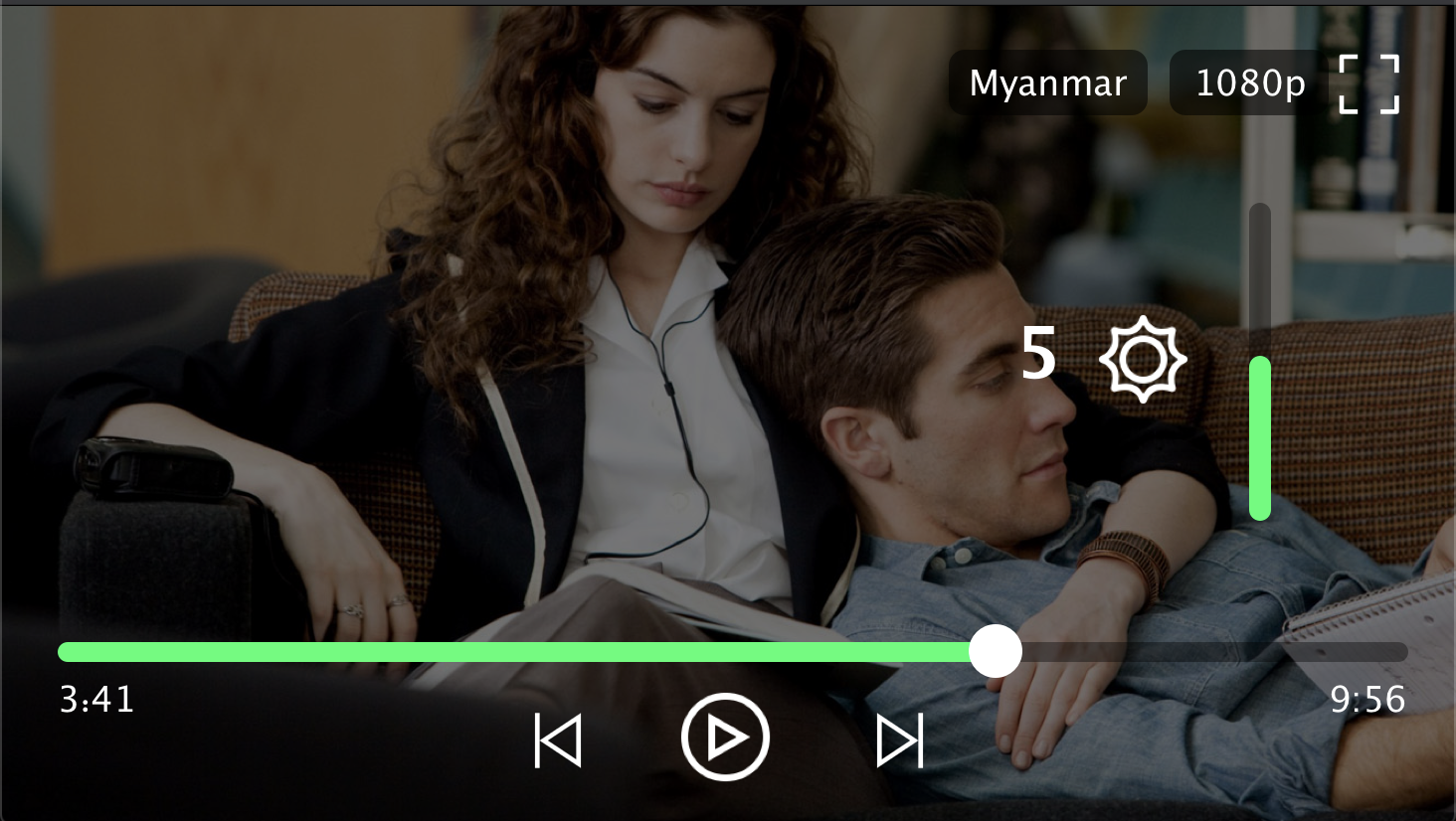 |