orderable_stack 0.1.3
An orderable container widget
orderable_stack_example
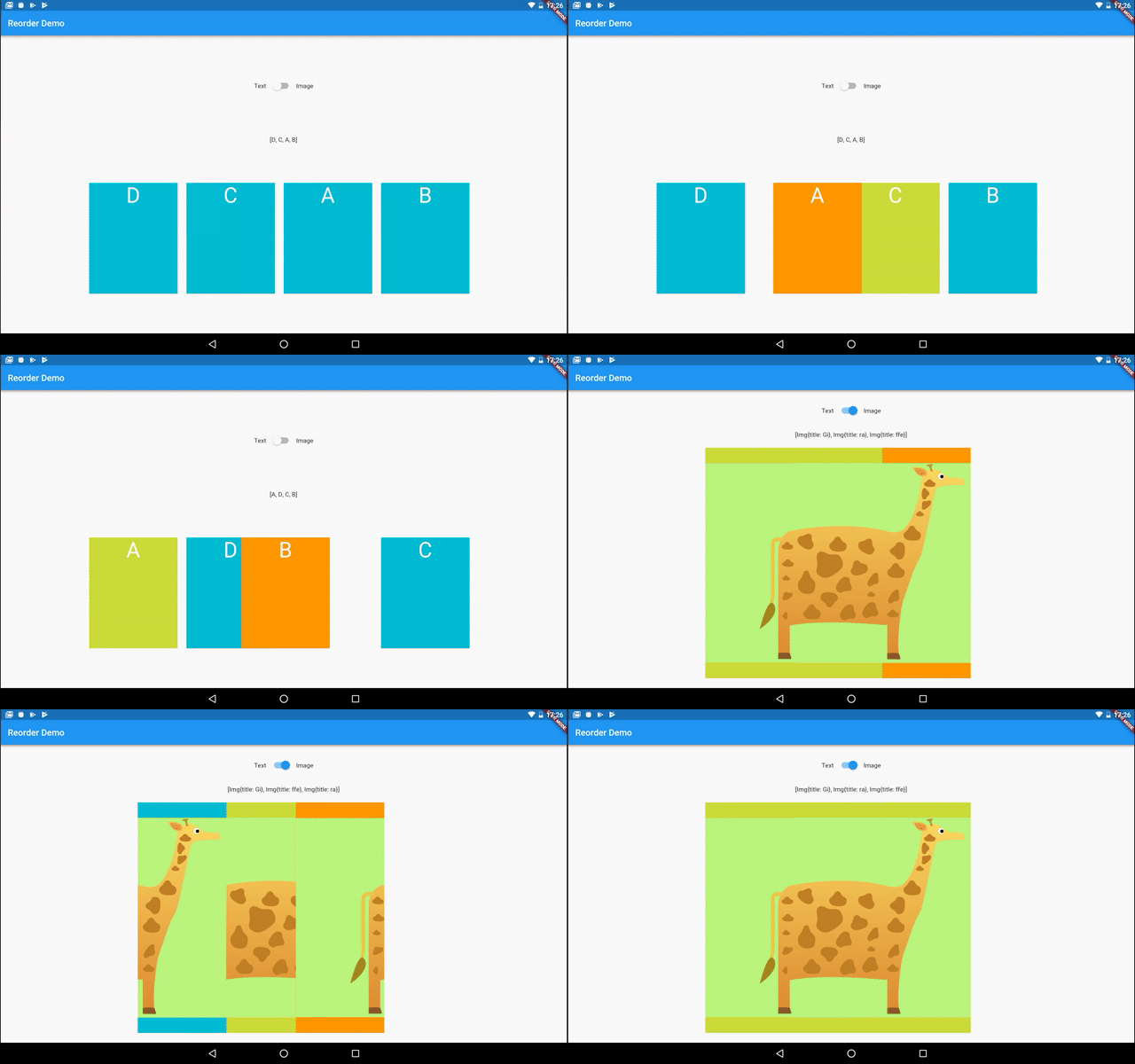
This demo app shows 2 examples of OrderableStack usage :
- with images
- with simple strings
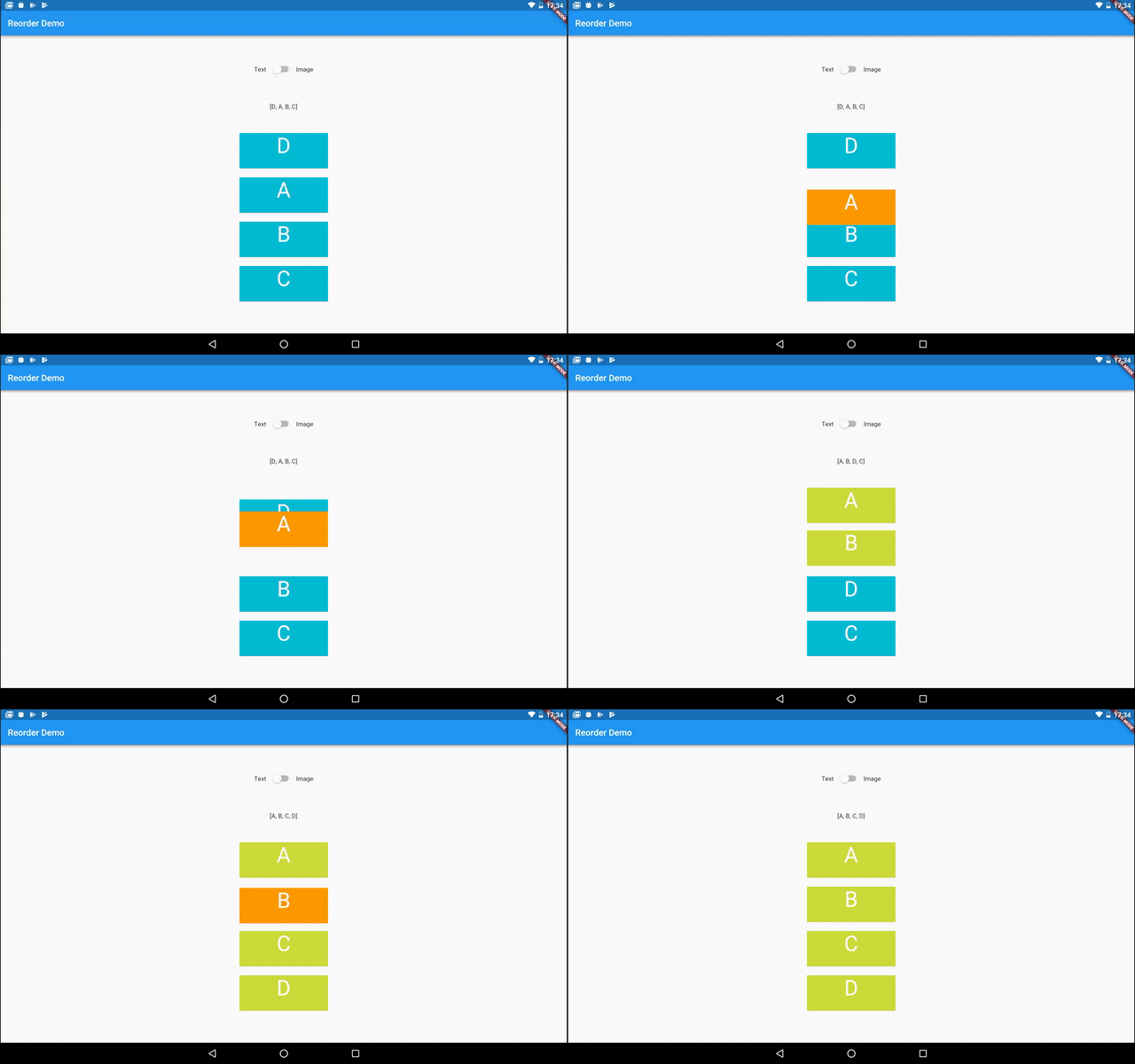
To use the ordonnableStack widget :
List<String> chars = ["A", "B", "C", "D"];

OrderableStack<String>(
  direction: Direction.Vertical,
  items: chars,
  itemSize: const Size(200.0, 50.0),
  itemBuilder: itemBuilder,
  onChange: (List<String> orderedList) =>
  orderNotifier.value = orderedList.toString()
)

Widget itemBuilder({Orderable<String> data, Size itemSize}) {
    return Container(
      key: Key("orderableDataWidget${data.dataIndex}"),
      color: data != null && !data.selected
          ? data.dataIndex == data.visibleIndex ? Colors.lime : Colors.cyan
          : Colors.orange,
      width: itemSize.width,
      height: itemSize.height,
      child: Center(
          child: Column(children: [
        Text(
          "${data.value}",
          style: TextStyle(fontSize: 36.0, color: Colors.white),
        )
      ])),
    );
  }