simple_ripple_animation 0.1.0
This package provide ripple animation widget that is easy to set up and customise, and it looks beautiful in any color you choose.

Simple Ripple Animation


This package provide ripple animation widget that can be customised to meet your needs. It's easy to set up and customize, and it looks beautiful in any color you choose.
Features
This package support following parameter and methods.
Parameter
RippleAnimationwidget provide follwoing parameter to config your ripple animation effect.
Parameter defined for RippleAnimation widget:
| Name | Type | Description |
|---|---|---|
| child | Widget | This child will be placed at center of the animation. |
| delay | Duration | This will be delay between two ripple wave. |
| minRadius | double | Minimum radius of the ripple wave. |
| maxRadius | double | Maximum radius of the ripple wave. |
| color | Color | Color of the animation. |
| ripplesCount | int | number of rippleCount in the wave. |
| duration | Duration | duration of the animation |
| repeat | bool | Provide true if you want to repeat animation |
Getting started
Installing
-
Add dependencies to
pubspec.yamlGet the latest version in the 'Installing' tab on pub.dev
dependencies: simple_ripple_animation: <latest-version> -
Run pub get.
flutter pub get -
Import package.
import 'package:simple_ripple_animation/simple_ripple_animation.dart';
Implementation
-
Wrap
WidgetwithRippleAnimationand assign needed parameter.RippleAnimation( child: CircleAvatar( minRadius: 75, maxRadius: 75, backgroundImage: NetworkImage(Constants.avtarUrl), ), color: Colors.deepOrange, delay: const Duration(milliseconds: 300), repeat: true, minRadius: 75, maxRadius: 140, ripplesCount: 6, duration: const Duration(milliseconds: 6 * 300), )
Preview
Screenshot
TODO: Here is the few screenshot for the preview. This will be remove in new verison becuase pub.dev now support screenshot.
 Mobile |  Tablet |
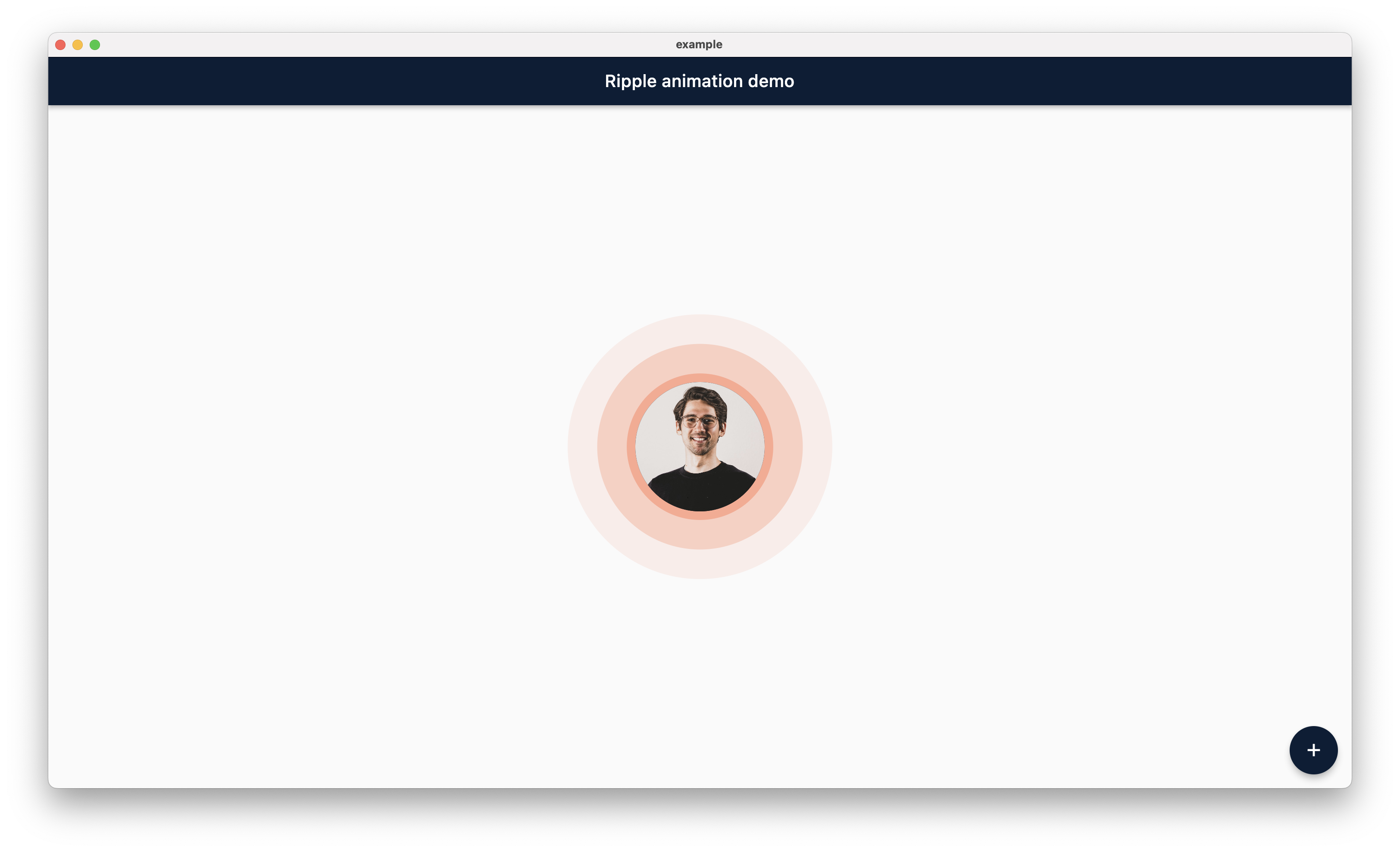 Desktop | 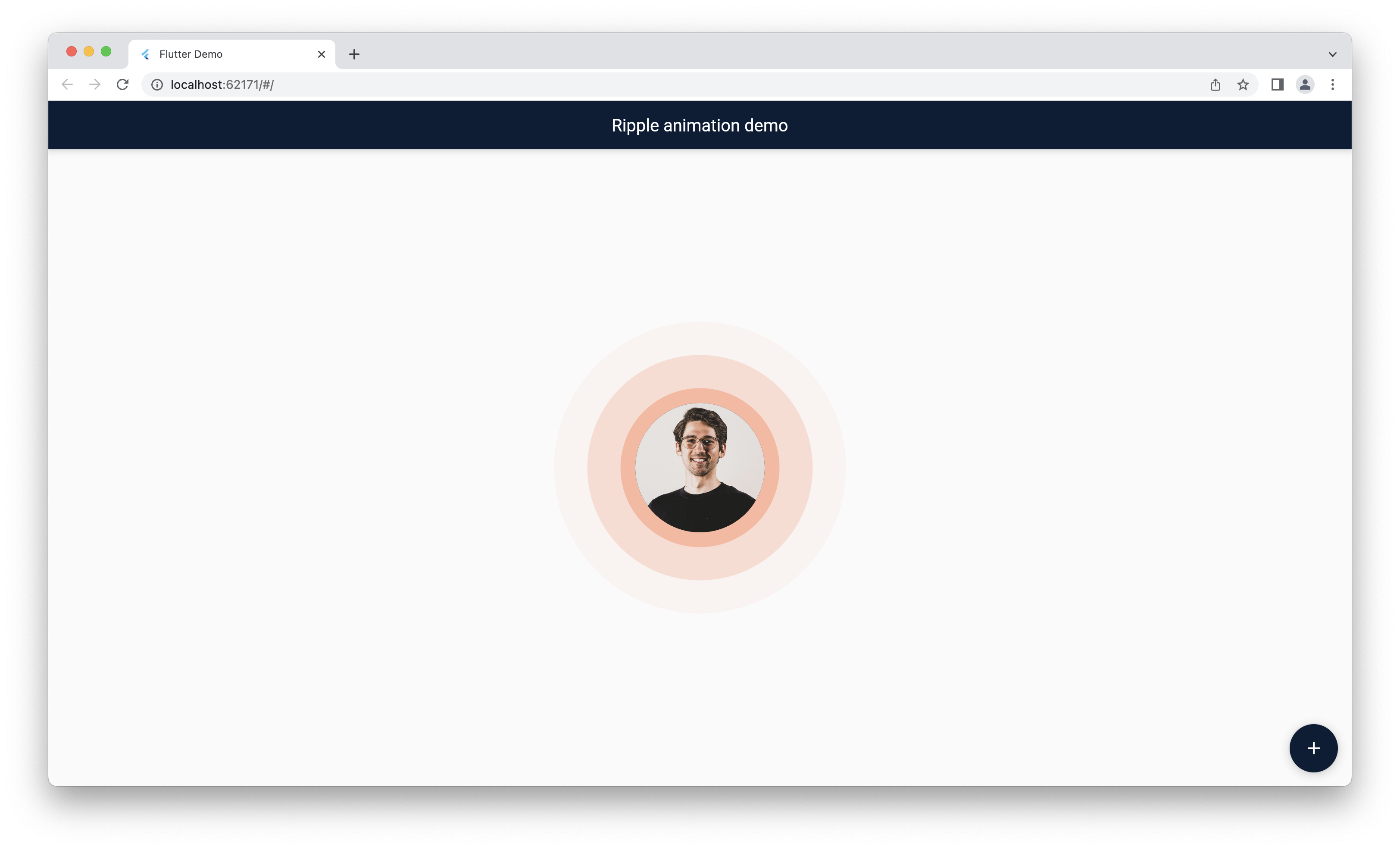 Web |
Main Contributors
 Jemis Goti |  Furkan Arslan |
Thanks
Thank you for using this package and keep supporting opensource community.