widget_toolkit 0.2.2
The Widget Toolkit package consists of several lightweight and customisable UI components that boost productivity and reduce the development time.




Widget Toolkit
The Widget Toolkit package consists of several lightweight and customisable UI components that boost productivity and reduce the development time.
Contents:
- UI Components
- Shimmer
- URL Launcher
- Item Picker
- Language Picker
- Search Picker
- Text Field Dialog
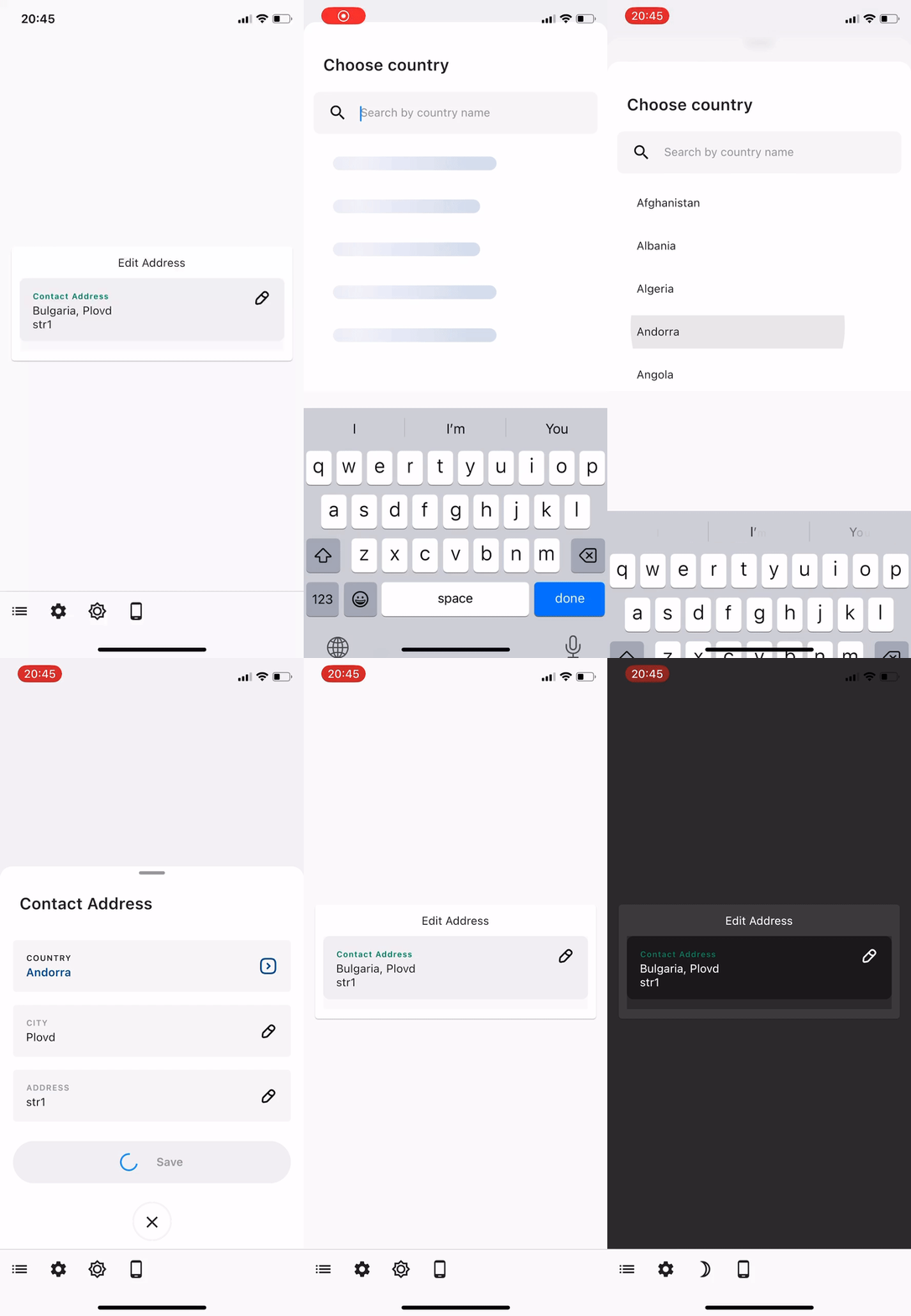
- Edit Address
Demo
| Item Picker (multi-select) | Item Picker (single select) | Language Picker |
|---|---|---|
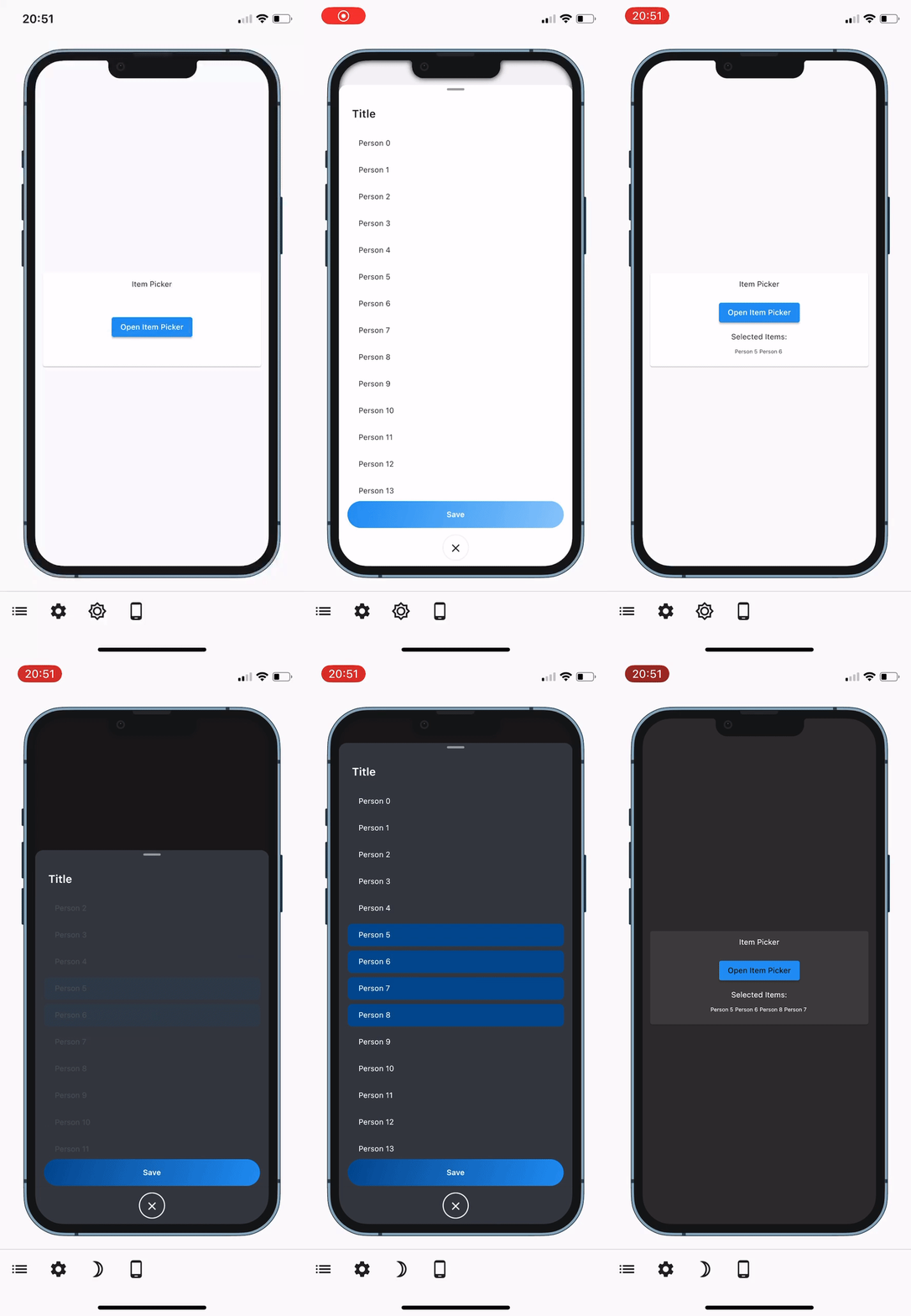 | 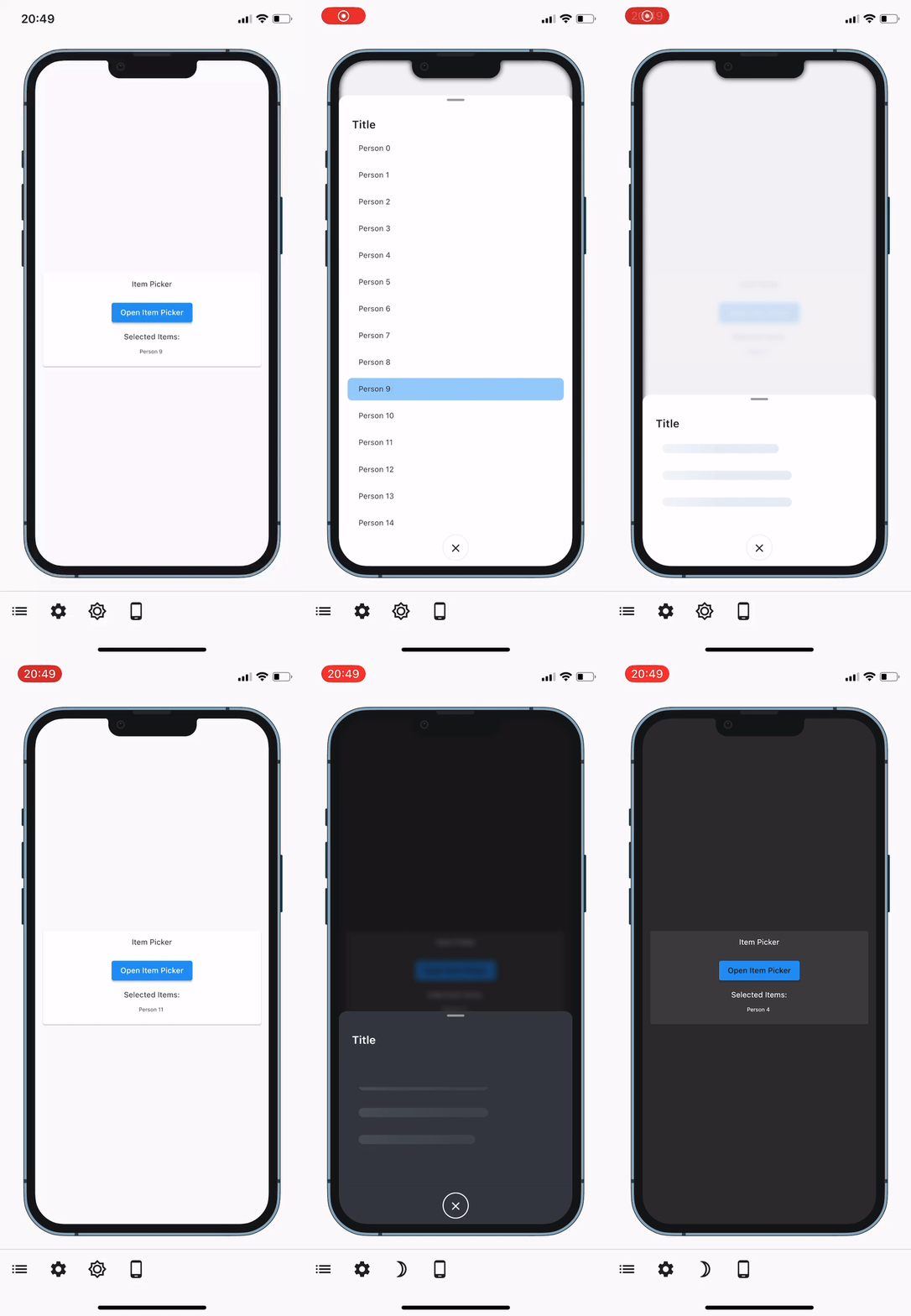 | 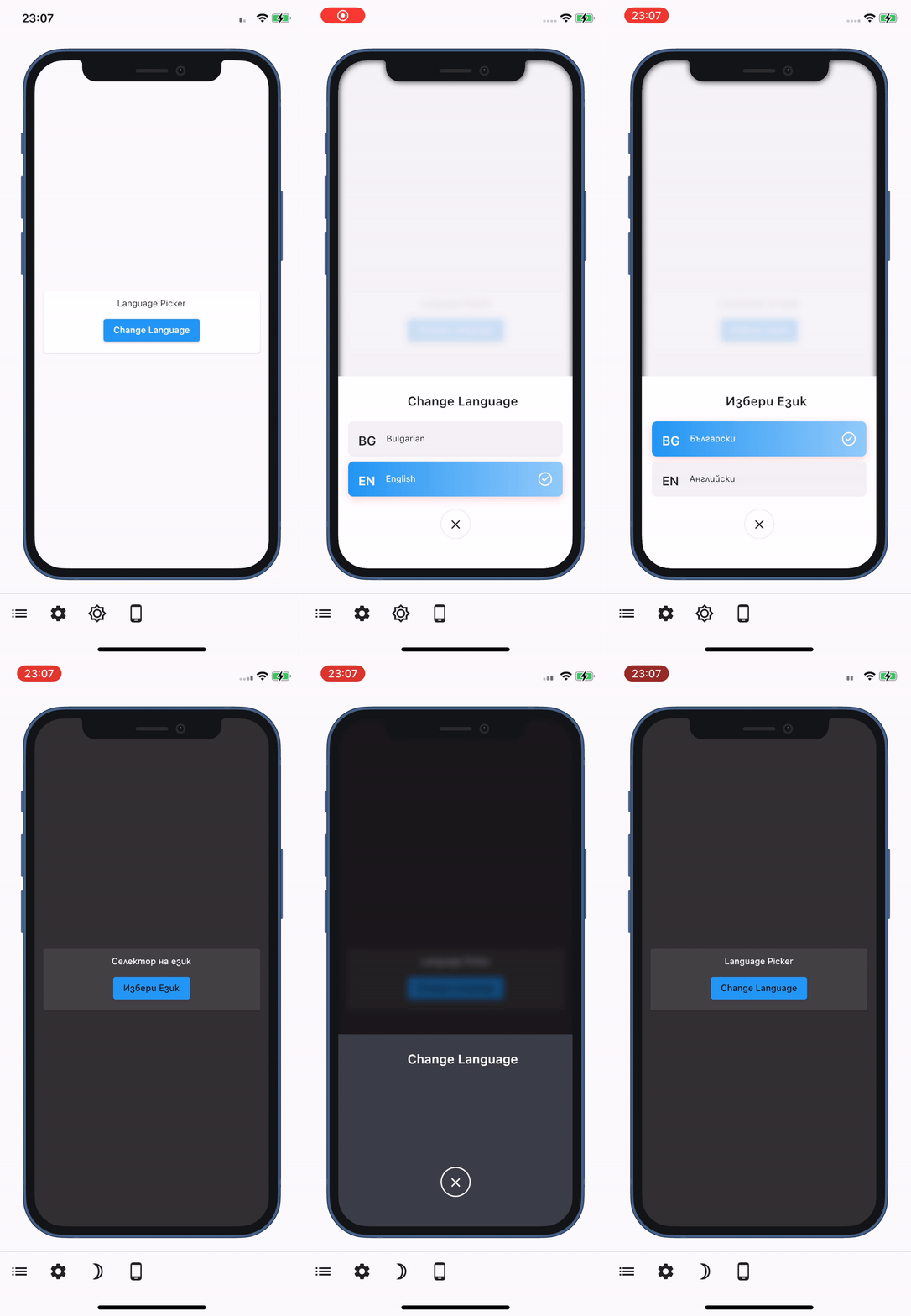 |
| Search Picker | Shimmer | Launch URL |
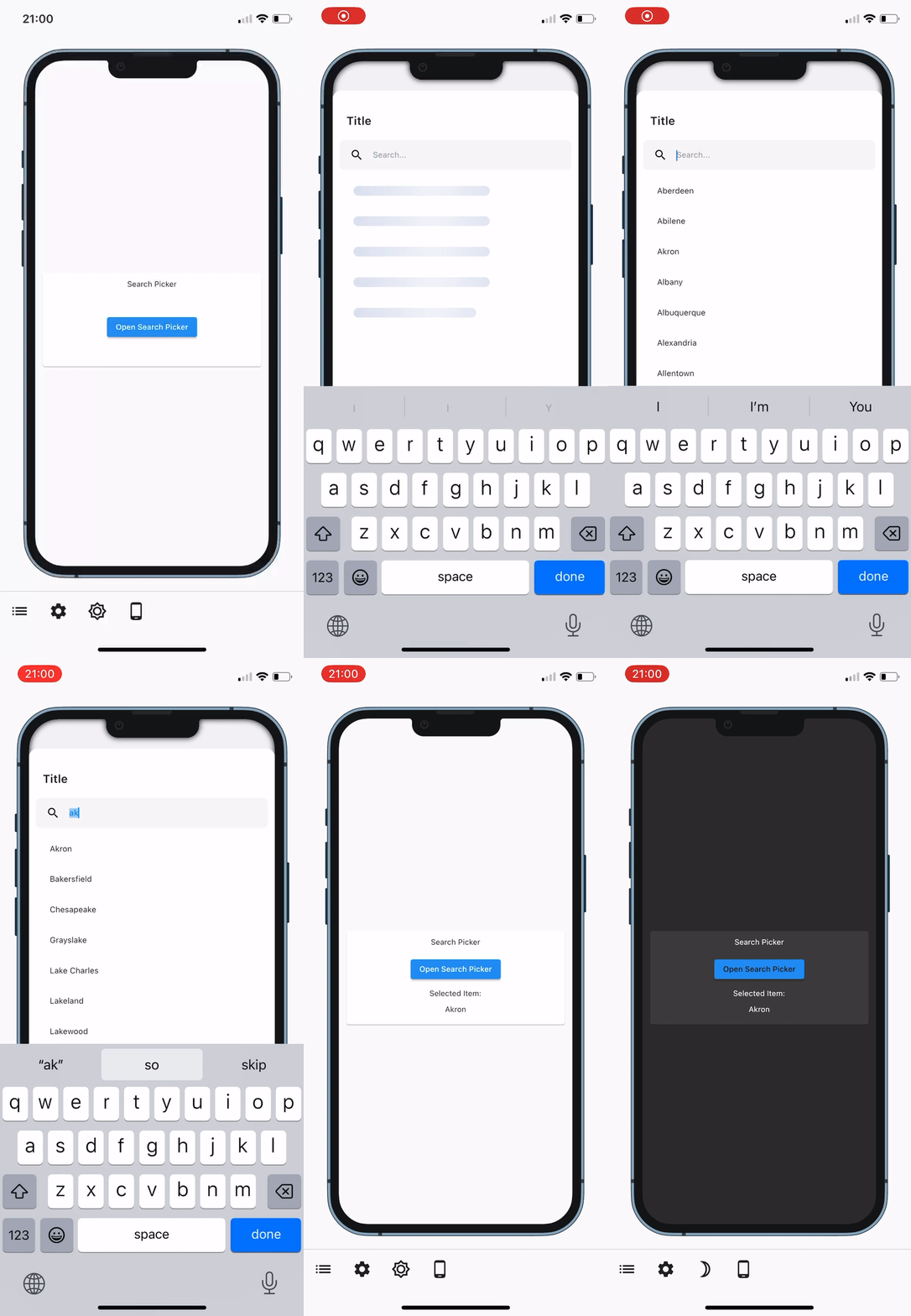 | 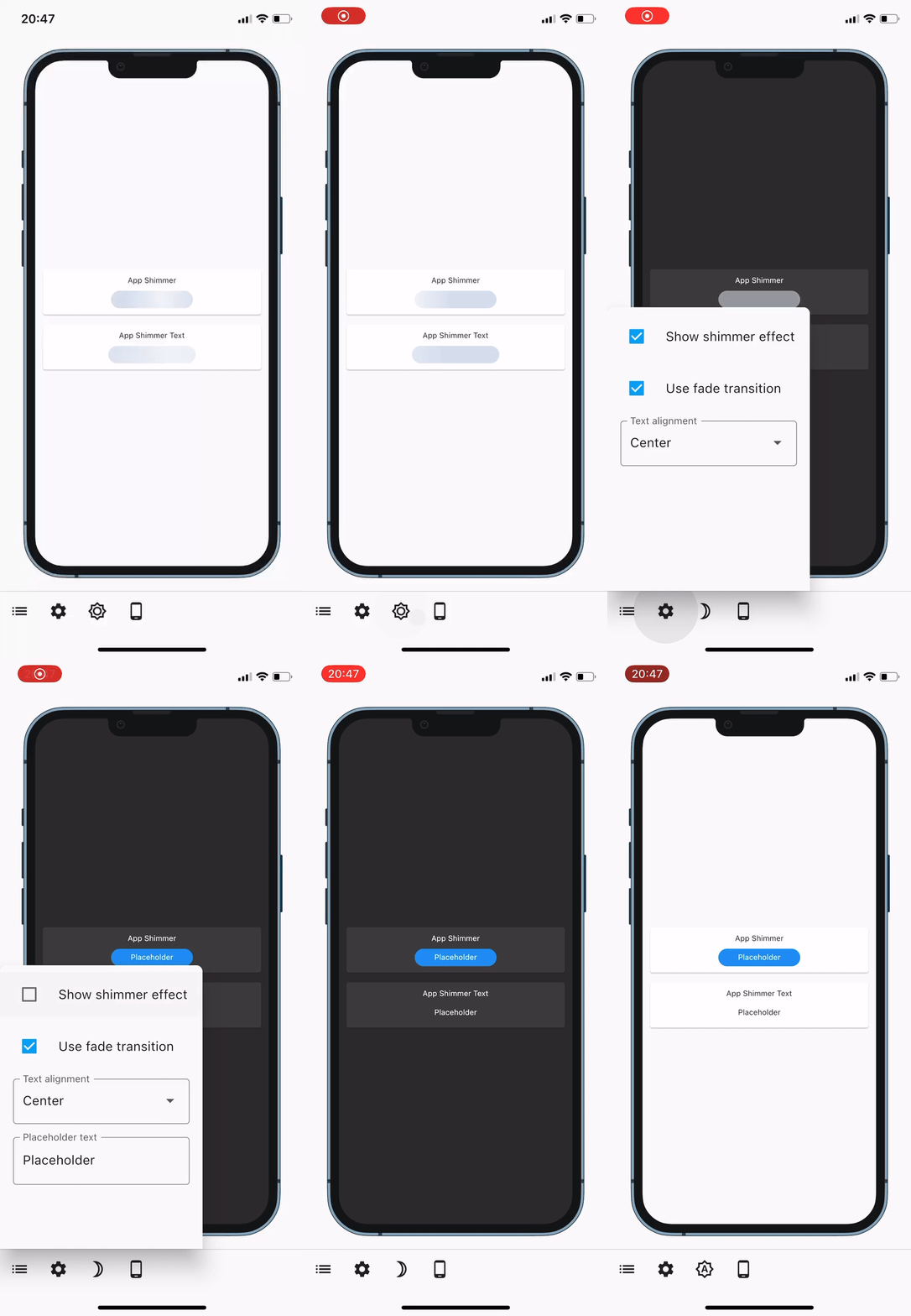 | 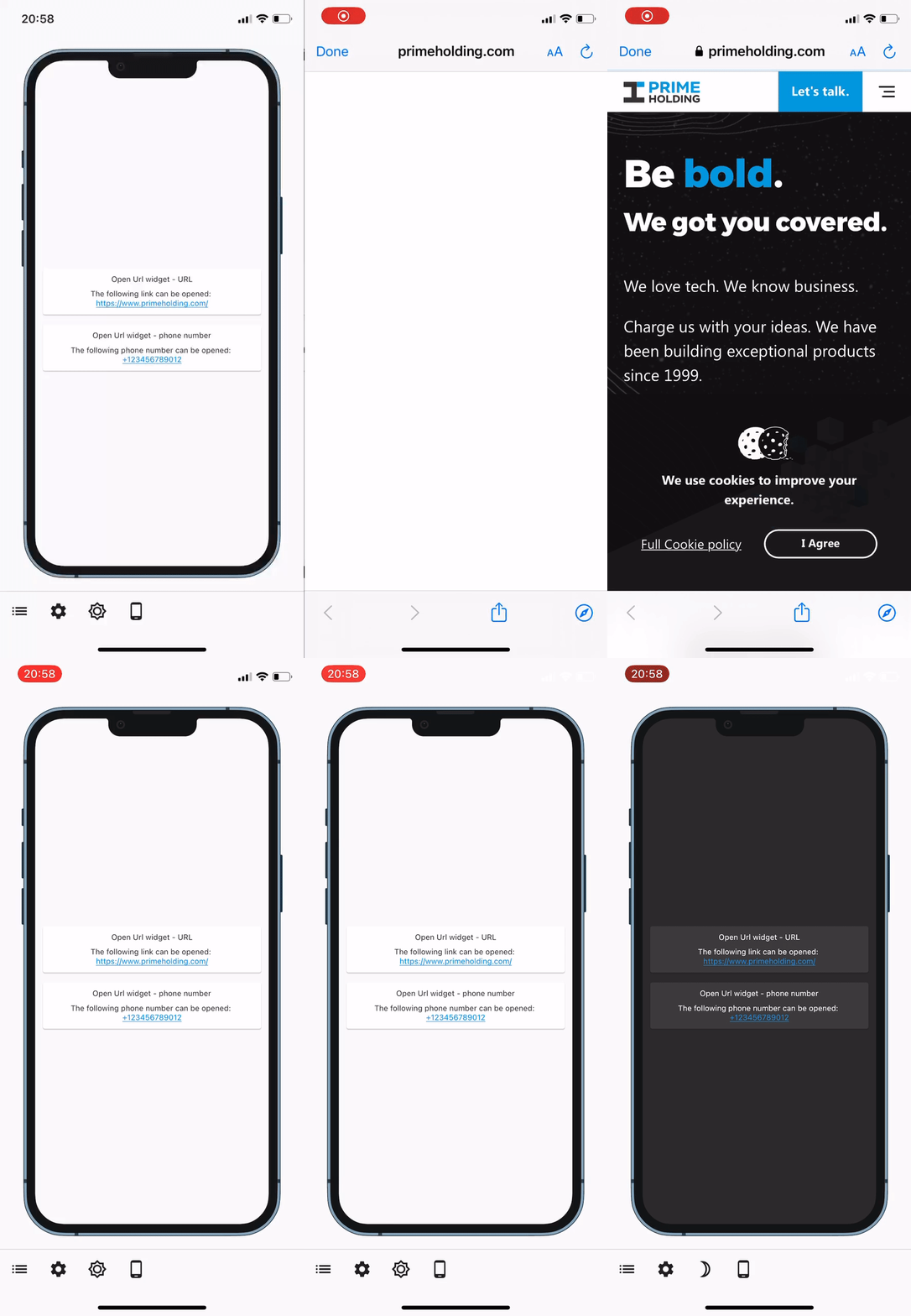 |
| Error Bottom Sheet | Text Field Dialog | Address Dialog |
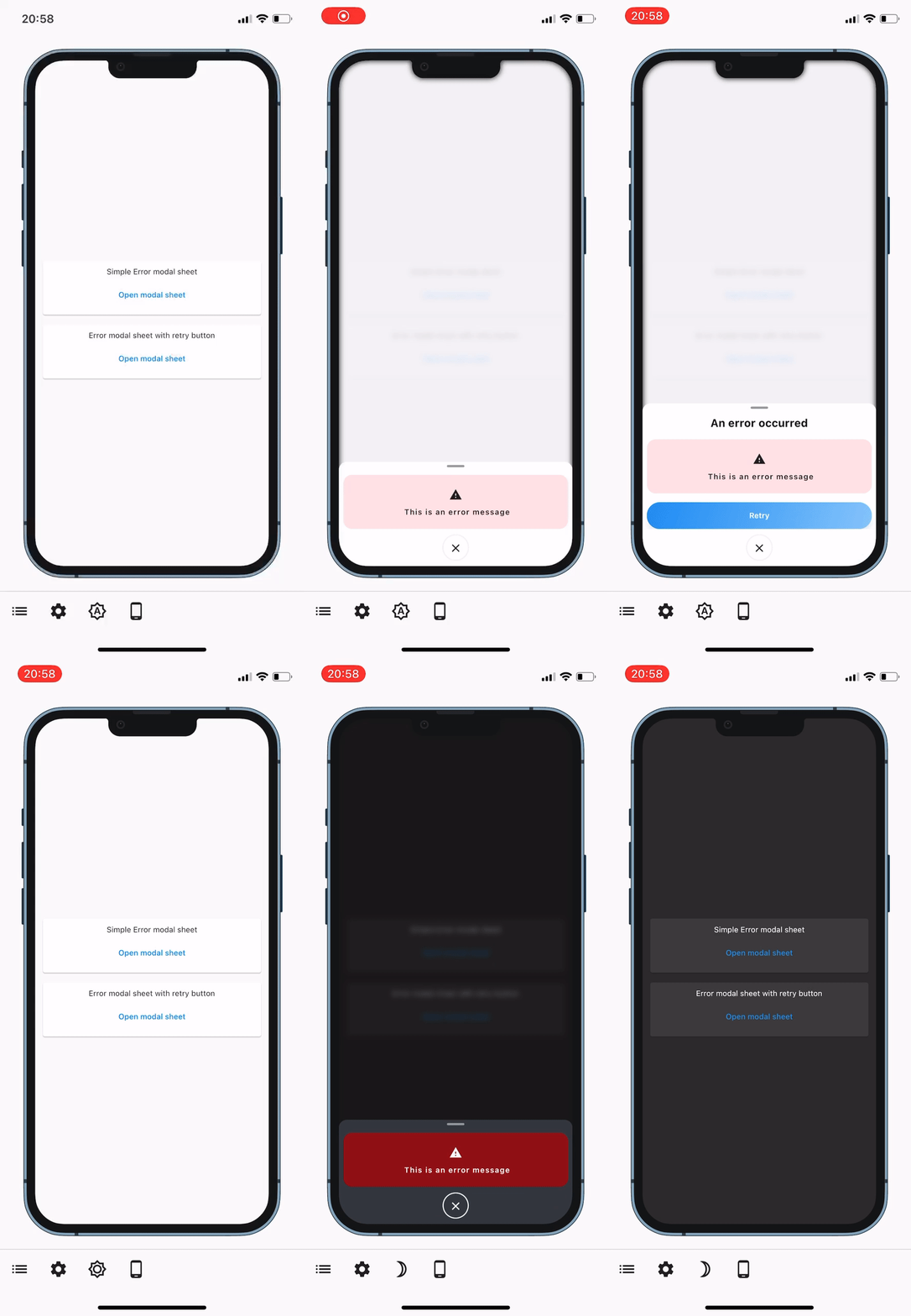 | 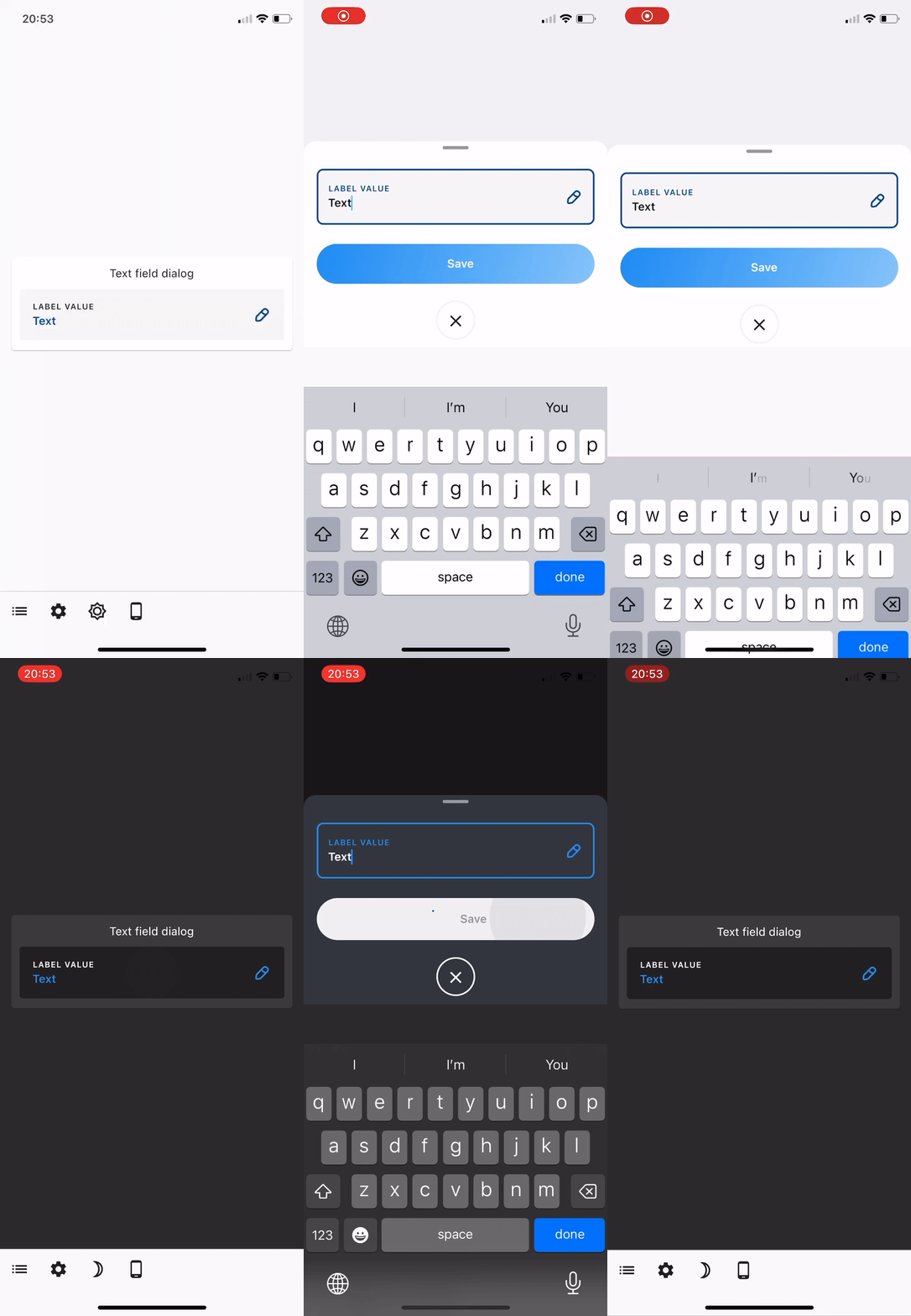 |  |
How to use
In order to start using this package you need to add the dependency to the widget_toolkit in
your pubspec.yaml file.
widget_toolkit: any
After that you can import any of the specific packages into your file and start using the described functionalities. For more information on specific widgets or functionalities the packages provide, please check the packages in the Contents section above.
Alternatively, you can import all of the packages by importing the following line:
import 'package:widget_toolkit/widget_toolkit.dart';
after which you are ready to start using the widgets in your app.
Setup
List of available themes:
- WidgetToolkitTheme
- ItemPickerTheme
- LanguagePickerTheme
- SearchPickerTheme
- TextFieldDialogTheme
- EditAddressTheme
- QrScannerTheme
Step 1: Add the package as a dependency at pubspec.yaml, inside your work project
//Example
dependencies:
  flutter:
    sdk: flutter
  widget_toolkit:
Step 2: Pass the Theme extensions you needed to the ThemeData of your app
MaterialApp(
  theme: ThemeData.light().copyWith(
    extensions: <ThemeExtension<dynamic>>[
      ItemPickerTheme.light(),
    ],
  ),
  darkTheme: ThemeData.dark().copyWith(
    extensions: <ThemeExtension<dynamic>>[
      ItemPickerTheme.dark(),
    ],
  ),
  // other parameters...
);
Customization
Change the theme properties in order to change the visual outcome
...
extensions: [
      ItemPickerTheme.light().copyWith(
          backgroundColor: Colors.orange,
          iconColor: Colors.red,
          icon: Icons.ac_unit_outlined,
        ),
    ],
...