widgets_to_image 2.0.1
A powerful Flutter package to convert any widget into high-quality images with customizable formats, quality settings, and advanced features.
Widgets To Image


A powerful Flutter package to convert any widget into high-quality images with customizable formats, quality settings, and advanced features.
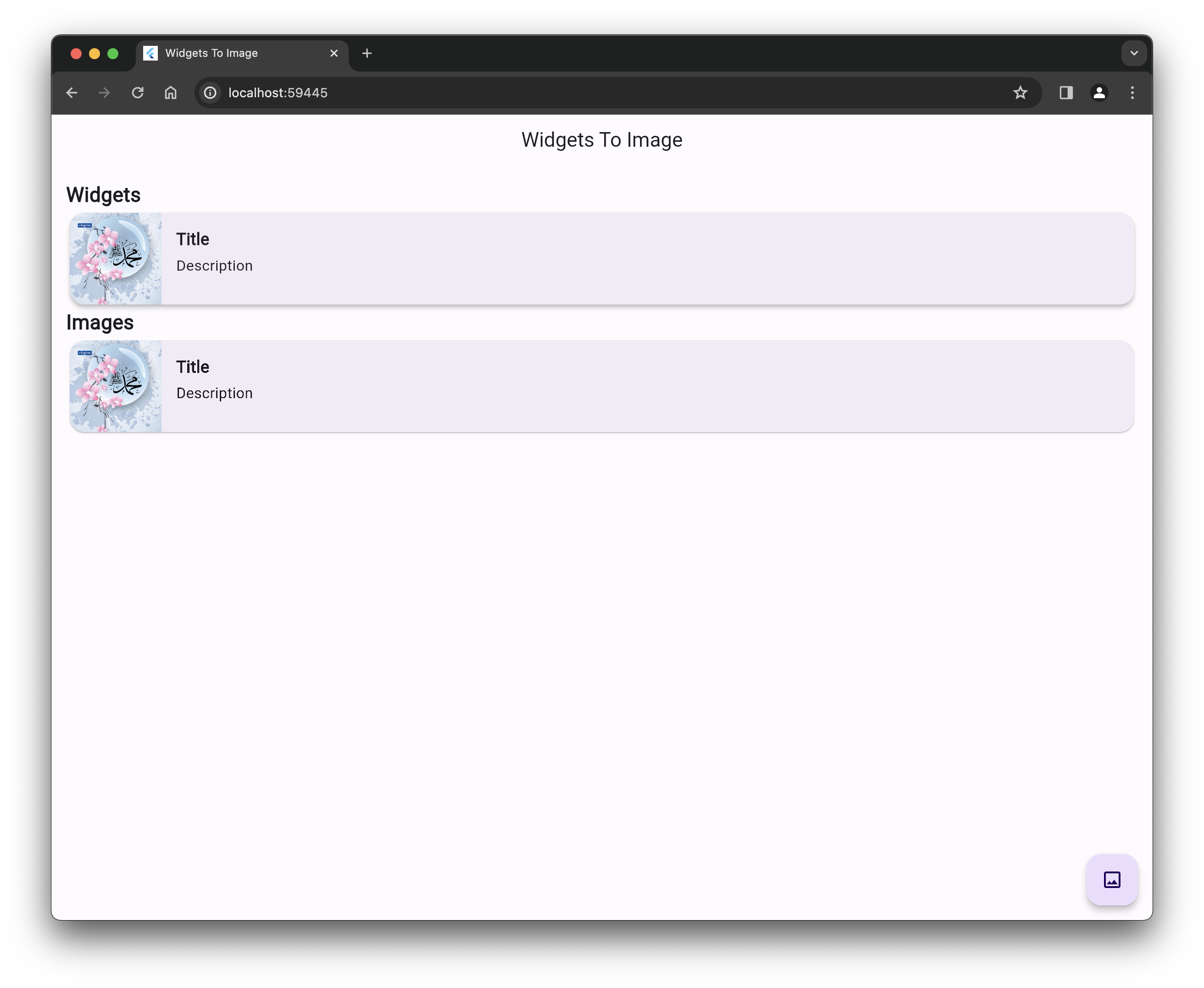
🌐 Live Demo
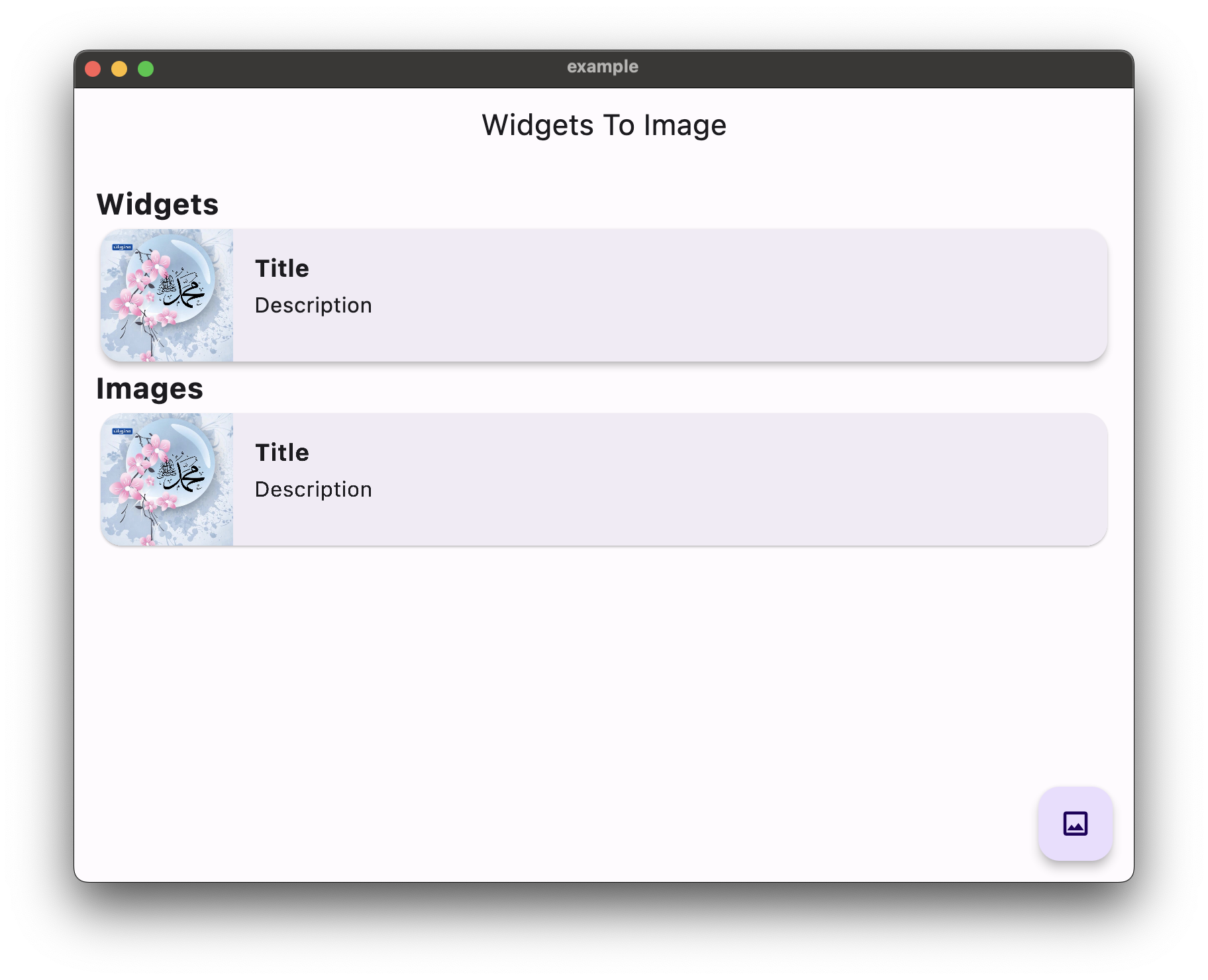
Experience the package capabilities with our modern, professional demo featuring:
- 🎯 Basic widget capture examples
- ⚙️ Advanced configuration options
- 🎭 Animation capture demonstrations
- 📱 Responsive design with Material 3

✨ Features
- 🎯 Simple API - Convert any widget to image with just a few lines of code
- 🖼️ Multiple Formats - Support for PNG, JPEG, Raw RGBA, and Raw Unmodified formats
- ⚙️ Customizable Options - Control pixel ratio, quality, animations, and delays
- 🎨 High Quality - Generate high-resolution images with custom pixel ratios
- 🔄 Animation Support - Capture animated widgets with proper timing
- 📱 Cross Platform - Works on iOS, Android, Web, macOS, Windows, and Linux
- 🧪 Well Tested - Comprehensive test suite ensuring reliability
- 📚 Rich Documentation - Detailed examples and API documentation
🚀 Getting Started
Installation
Add this to your package's pubspec.yaml file:
dependencies:
  widgets_to_image: ^2.0.0
Install it using the command line:
flutter pub get
Import the package:
import 'package:widgets_to_image/widgets_to_image.dart';
📖 Usage
Basic Usage
// Create a controller
WidgetsToImageController controller = WidgetsToImageController();

// Wrap your widget
WidgetsToImage(
  controller: controller,
  child: Container(
    width: 200,
    height: 100,
    color: Colors.blue,
    child: const Center(
      child: Text(
        'Hello World!',
        style: TextStyle(color: Colors.white, fontSize: 20),
      ),
    ),
  ),
)

// Capture the widget
Uint8List? bytes = await controller.capture();
Advanced Usage with Options
// Capture with custom options
Uint8List? bytes = await controller.capture(
  options: const CaptureOptions(
    format: ImageFormat.jpeg,
    pixelRatio: 3.0,
    quality: 95,
    waitForAnimations: true,
    delayMs: 100,
  ),
);
Convenience Methods
// Capture as PNG with high resolution
Uint8List? pngBytes = await controller.capturePng(
  pixelRatio: 3.0,
  waitForAnimations: true,
);

// Capture as JPEG with custom quality
Uint8List? jpegBytes = await controller.captureJpeg(
  quality: 90,
  pixelRatio: 2.0,
);
Reactive UI with Builder
WidgetsToImageBuilder(
  controller: controller,
  builder: (context, isCapturing, capture) {
    return Column(
      children: [
        if (isCapturing)
          const CircularProgressIndicator()
        else
          ElevatedButton(
            onPressed: () async {
              final bytes = await capture();
              // Handle the captured bytes
            },
            child: const Text('Capture Widget'),
          ),
      ],
    );
  },
)
Error Handling
try {
  final bytes = await controller.capture();
  // Success - use the bytes
} on CaptureException catch (e) {
  // Handle specific capture errors
  print('Capture failed: ${e.message}');
  if (e.originalError != null) {
    print('Caused by: ${e.originalError}');
  }
} catch (e) {
  // Handle other errors
  print('Unexpected error: $e');
}
Lifecycle Callbacks
controller.onCaptureStart = () {
  print('Capture started');
};

controller.onCaptureComplete = (bytes) {
  print('Capture completed with ${bytes.length} bytes');
};

controller.onCaptureError = (error) {
  print('Capture failed: ${error.message}');
};
🔧 API Reference
CaptureOptions
| Property | Type | Default | Description |
|---|---|---|---|
pixelRatio | double | 1.0 | The pixel ratio for the captured image |
format | ImageFormat | ImageFormat.png | The output image format |
quality | int | 95 | Quality for JPEG format (0-100) |
waitForAnimations | bool | false | Wait for animations before capturing |
delayMs | int | 0 | Additional delay in milliseconds |
ImageFormat
ImageFormat.png- PNG format with transparency supportImageFormat.jpeg- JPEG format with quality controlImageFormat.rawRgba- Raw RGBA pixel dataImageFormat.rawUnmodified- Raw unmodified pixel data
WidgetsToImageController Methods
capture({CaptureOptions options})- Capture with custom optionscapturePng({...})- Convenience method for PNG capturecaptureJpeg({...})- Convenience method for JPEG capturedispose()- Clean up resources
WidgetsToImage Properties
controller- The capture controller (required)child- The widget to captureclipBehavior- Whether to clip the child widget
📱 Example App
The package includes a comprehensive example app demonstrating:
- Basic widget capture
- Advanced options configuration
- Animated widget capture
- Different image formats
- Error handling
- Reactive UI updates
Run the example:
cd example
flutter run
🛠️ Platform Support
| Platform | Support |
|---|---|
| Android | ✅ |
| iOS | ✅ |
| Web | ✅ |
| macOS | ✅ |
| Windows | ✅ |
| Linux | ✅ |
🤝 Contributing
Contributions are welcome! Please read our contributing guidelines and submit pull requests to our repository.
📄 License
This project is licensed under the MIT License - see the LICENSE file for details.
🙏 Acknowledgments
- Flutter team for the amazing framework
- Community contributors for feedback and improvements
📞 Support
Made with ❤️ by Mohamed Abdo
MacOS